Rhythm & Action Brainrot Games
Time your moves and keep up with the next challenge.
 NEW
NEWItalian Brainrot R.E.P.O Street of Rage
Rhythm & ActionDesktop only NEW
NEWTung Tung Sahur Andreas Shooter
Rhythm & Action
Tung Tung Sahur Cash Frenzy
Rhythm & Action
Bombardiro Crocodillo Brick Destroyer
Rhythm & Action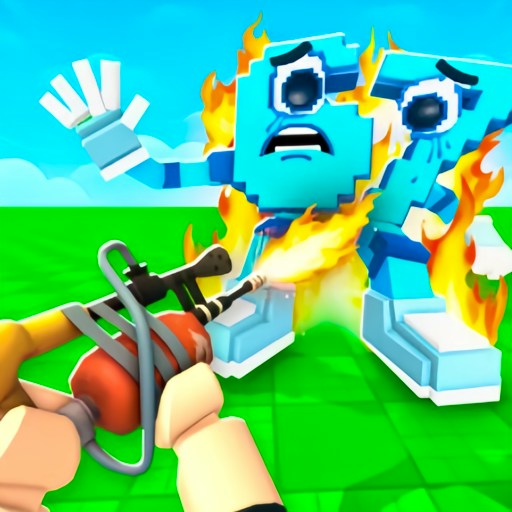
Shot a Brainrot!
Rhythm & Action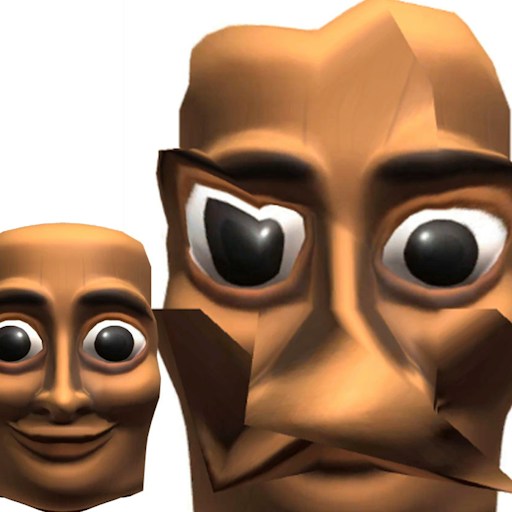
Tung Tung Sahur LOL Face
Rhythm & Action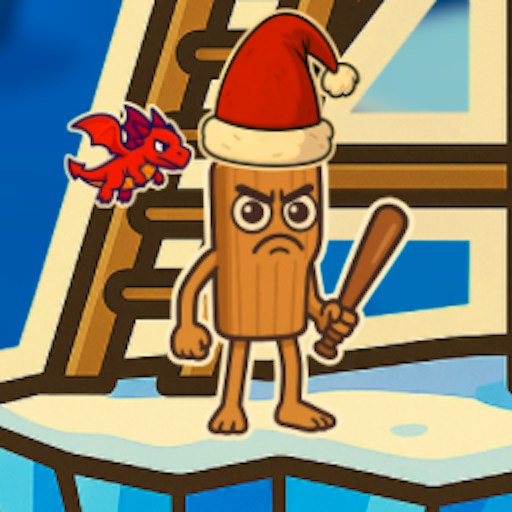
Tung Tung Sahur Snow Arena
Rhythm & Action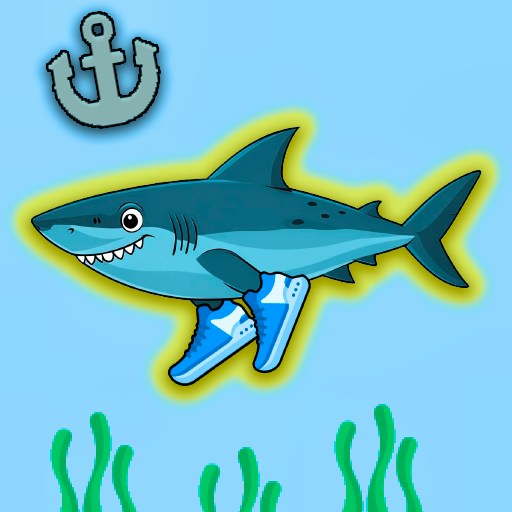
Shark Tralalero Tralala
Rhythm & Action
Brainrot Helix Twistcore
Rhythm & Action
Tung Tung Sahur Road Crossing
Rhythm & Action
Brainrot Cleaning
Rhythm & Action
Ninja Brainrot Slice
Rhythm & Action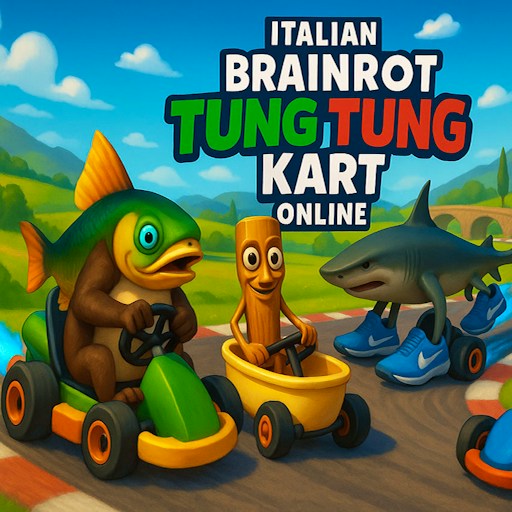
Italian Brainrot Tung Tung Kart Online
Rhythm & ActionDesktop only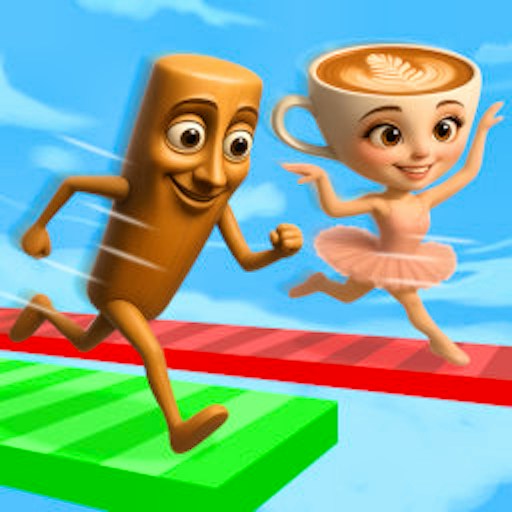
Brainrot Bridge Race 3D
Rhythm & Action
Brainrot Tung Sahur Battle
Rhythm & Action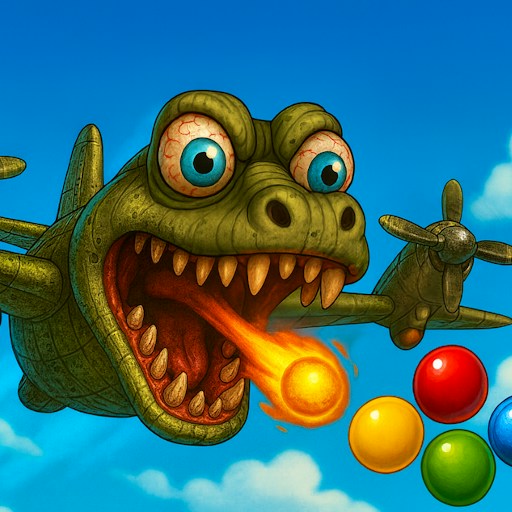
Brainrot Attack
Rhythm & Action
Brainrot Auto Fight
Rhythm & Action
Brainrot Rush
Rhythm & Action
Brainrot Duels
Rhythm & Action
Italian Brainrot Racing Multiplayer
Rhythm & Action
Tung Tung Sahur VS Tralalero Tralala FNF
Rhythm & ActionPlayability unconfirmed
Hunter Tung Tung Sahur
Rhythm & Action
Italian Brainrot Extreme Driver
Rhythm & Action
Brainrot Shooter
Rhythm & ActionShowing 1–24 of 25 games
Action covers several different control problems
This is a broad collection: timed inputs, driving, aiming, slicing and other quick-response activities can all appear here. A rhythm game asks you to relate an input to a timing cue. A driving game asks you to judge movement through a course. A shooting game adds aiming and firing. The character theme does not make these interchangeable, so read the page's first-action and control notes before pressing Play.
For example, Bombardiro Crocodillo Brick Destroyer offers a launch-and-steer opening, while Shot a Brainrot uses a first-person view. Their recorded checks establish different things. Launching into a scored result supports the former's basic loop. A movement response and an ammunition decrease support particular inputs in the latter, without proving a successful hit or completed wave. Comparing these observations is more useful than treating both as generically fast games.
Learn the timing cue before increasing speed
When a game asks for quick input, begin by identifying the cue you are responding to. It may be an approaching obstacle, a visible target or an instruction in the scene. Try one deliberate action and observe the result. Repeated clicking without a cue can make it difficult to distinguish an incorrect timing decision from a control that did not register.
For a repeated attempt, preserve the opening that already works and change one action close to the failure. This lets you compare results. The page's practice advice is not a promise of a perfect sequence, and a desktop opening does not establish every later level, weapon, track or unlock. Read new instructions when a game introduces a different system.
Use narrower collections when the theme matters
If you specifically want aiming games, use Shooting. If you want jumps and obstacle routes, compare Parkour & Obby. These narrower choices can save time in a broad action catalog. They also help you avoid themes you do not want; a familiar meme character is not a content rating.
Check the device note and give the game focus before diagnosing a failed input. For a stalled menu or player, follow the loading guide. For help choosing an activity rather than troubleshooting it, read Choose a Brainrot Game.