About Brainrot Tung Tung Racing
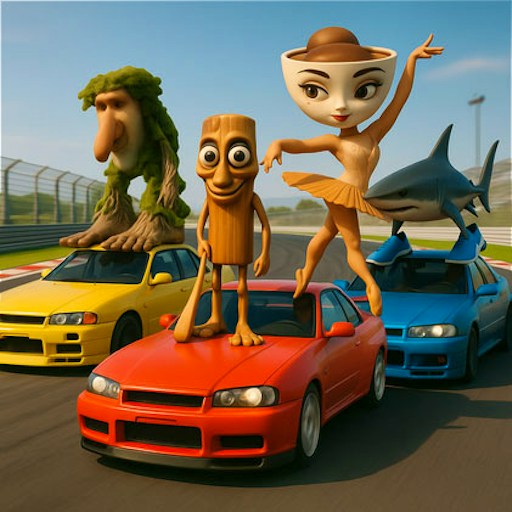
Brainrot Tung Tung Racing puts meme characters in racing cars rather than on a puzzle board or obstacle course. The opening has several steps before the race itself: Start, Level 1, a garage Start, then a final race Start. In the desktop check, that path reached a five-car grid showing position 5/5 and lap 1/2. Holding the Up arrow moved the speed display from 0 to 46 km/h and advanced the track view. That is a direct control check, not a claim that the full track or every car ability was completed.
Once the grid opens, the screen gives you the two facts that matter first: where you sit in the pack and how much of the race remains. You can begin by keeping the car moving and looking ahead on the track, then worry about passing. GamePix describes a choice of eccentric racers and arrow-key driving, but the recorded run did not test each character or a special move. The useful reason to try it here is the recognizable race structure: a starting line, other cars, position, laps, and immediate speed feedback when you accelerate.
The Meme Behind Brainrot Tung Tung Racing
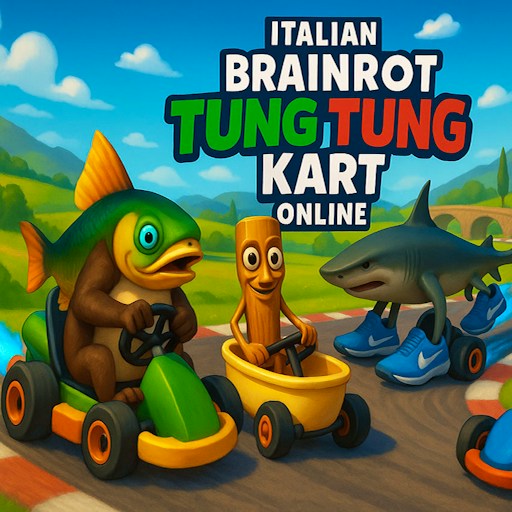
The brainrot layer supplies the racers and visual joke; the actual challenge is still driving. If you already play other Tung Tung games on this site, this one replaces tapping or jumping with car control. The Level 1 path also distinguishes it from an endless one-button driving game.
How to Play Brainrot Tung Tung Racing
Click Play on this page, then Start in the embedded game. Choose Level 1, continue through the garage Start and click the race Start. Wait until the position and lap indicators appear. Hold the Up arrow to accelerate; the verified run rose from 0 to 46 km/h. GamePix says the Arrow keys steer and Space activates a special move, but steering, the special move and finishing the race were not isolated in this check.
The extra Start screens can look like a failed launch if you stop at the garage. Keep going until you can see the cars on the track and the race HUD. If the car is stationary, click inside the player to give it keyboard focus, then try Up. The platform labels the game mobile-friendly, but this release has no real-phone steering test.
Controls
- Click Play, Start, Level 1, garage Start, then race Start.
- Desktop: hold Up arrow to accelerate; speed rose from 0 to 46 km/h in the check.
- GamePix lists Arrow keys to drive and Space for a special move; these were not individually verified here.
- Phone steering and a completed race were not tested.
Tips & Tricks
- Check for the lap and position display before judging whether the race has actually begun.
- Accelerate in a clear line first so you can distinguish movement from menu input.
- Watch the cars ahead and the next bend together; speed alone does not reveal your race position.
- Treat the provider-listed Space move as optional until you see how it behaves in your current game.
Why Play Brainrot Tung Tung Racing Here
Pick this when you want a conventional track race with ridiculous characters. The visible 5/5 grid and lap 1/2 make the objective concrete, while the verified acceleration confirms a working first action after the menus.