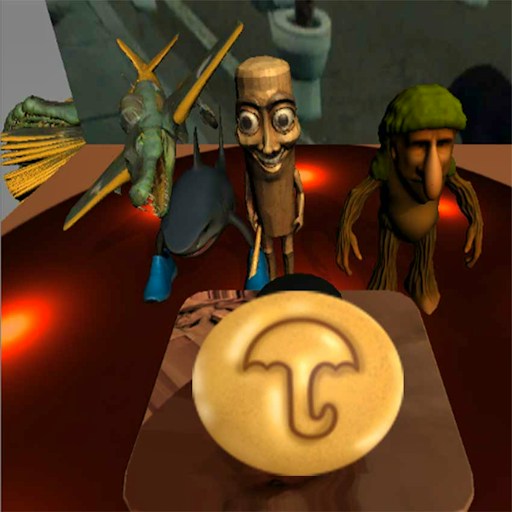
About Guess Brainrot
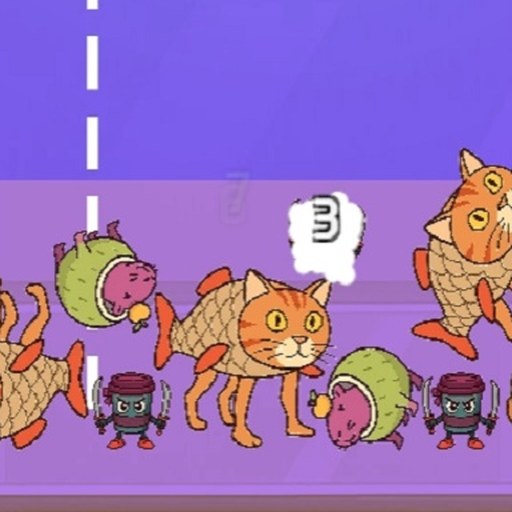
Guess Brainrot mixes quiz-style questions with small challenges built around the brainrot cast. The official description emphasizes memory, reactions, and unpredictable tasks rather than one repeated question format. That makes paying attention to the current prompt part of the game. Knowing a character may help, but you also need to notice what the screen is asking you to do with that knowledge.
The title makes a quick guess sound like the whole job. A better approach is to read first and answer second. A question, a visual cue, and an interaction challenge can look equally playful while asking for different kinds of attention. Resetting your expectations between tasks is useful when the game changes direction just as you start feeling comfortable.
The Meme Behind Guess Brainrot
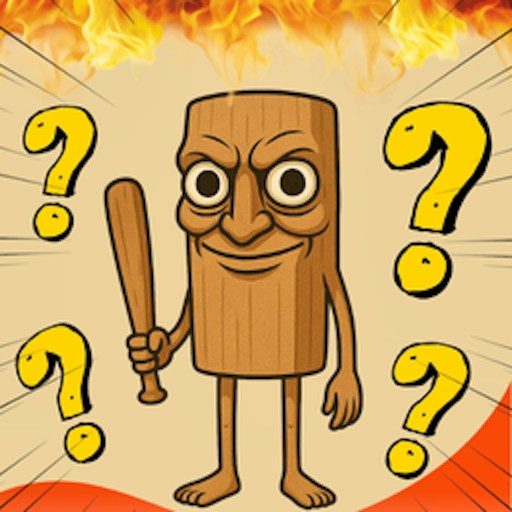
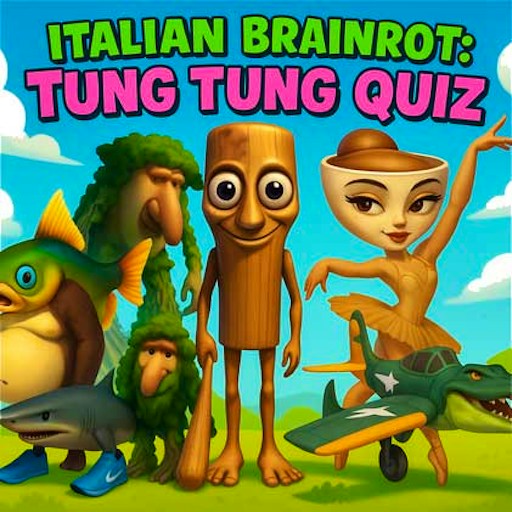
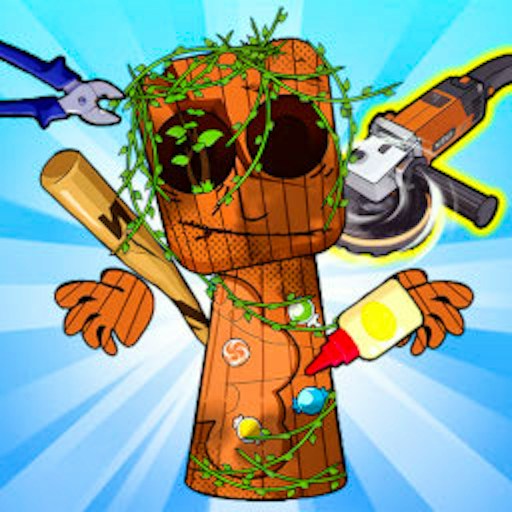
Tung Tung Tung Sahur and Capuccino Assassino are among the characters named in the game's description. Their unusual appearances and names provide material for the humor, but familiarity is only one possible advantage. A strong visual memory and a careful reading of the prompt can be just as helpful when a challenge involves a character you do not immediately recognize.
If you already follow the memes, resist answering from the first familiar detail alone. Several pictures or names can feel related without satisfying the same instruction. If you are new to them, use each task as an introduction. Focus on a distinctive shape, face, or word and connect it with the result you see. That makes the next encounter easier to understand.
How to Play Guess Brainrot
Start the player and read the instructions for the current task before interacting. Identify the action it requests: choosing an answer, responding to something on screen, or remembering a detail. Follow the controls presented for that challenge. Do not assume that a successful input from the previous task is automatically the correct input now.
For a question with choices, compare the options against the actual wording. Look for the detail that separates them instead of clicking the first recognizable name or image. If a prompt includes a restriction or asks for a particular feature, keep that feature in mind while reviewing the choices. Recognition should support your decision, not replace reading.
For a task involving memory, choose a small number of details to track. A distinctive outline or a clearly different position is easier to hold in mind than an entire busy picture. Try describing the important detail to yourself in a few words. That creates a reference you can return to when the screen changes.
For a task involving reactions, first locate the relevant part of the screen and understand the requested action. Move your attention there before trying to be fast. A quick input in the wrong place does not become more useful because it happened sooner. Let the prompt determine whether you should wait, select, or respond.
After an answer or action, watch the feedback before moving on. If your attempt did not work, decide whether you misread the instruction, confused a character, or mistimed the input. Each explanation suggests a different adjustment. Learning which kind of mistake occurred is more useful than simply promising to guess better next time.
Controls
- Mouse click: Choose answers and interact with the on-screen controls.
- Touch input: not verified on a physical phone; follow the game prompts if your device offers touch controls.
- Challenge instructions: Read each task for any additional input it requests.
- Expand: Increase the player's viewing area if a clue or answer label is hard to distinguish.
Tips & Tricks
- Finish reading the question before inspecting every choice. Knowing what you need to find prevents familiar-looking options from pulling your attention away from the task.
- Use one distinctive cue for each unfamiliar character. A memorable shape or accessory is easier to recognize later than a vague impression that the picture looked strange.
- Separate uncertainty about a name from uncertainty about the instruction. You may understand the requested action perfectly even when the character is new to you.
- Check the feedback after a selection. It is your best opportunity to connect a clue with the result instead of carrying the same assumption into another task.
- Pause mentally between challenges. A memory task calls for different attention from a reaction task, even when the same character appears in both.
- Keep your pointer or finger clear of information you still need to read. Small clues are easier to compare when you can see the full option before selecting it.
Why Play Guess Brainrot Here
Choose Guess Brainrot when you want a changing set of small tasks instead of a long upgrade plan or a demanding movement course. The character theme gives the questions a playful identity, while shifts in the requested action keep you reading the screen. It works best when you enjoy the moment of figuring out what a challenge wants from you. A correct guess is satisfying; recognizing why it was correct makes the next task more interesting.