About Italian Brainrot: Find the Difference
Italian Brainrot: Find the Difference turns a familiar picture puzzle into a tour through strange character portraits. You compare a pair of nearly matching illustrations and choose the details that do not agree. The first level features a grinning shark in sneakers, holding a skateboard in a warmly lit room. It is a busy enough scene to make you look beyond the character's face: furniture, wall decorations, footwear, and small background objects all compete for attention.
The level menu gives the collection a clear shape. Each card shows an illustration, a level number, and three star spaces. The opening total reads zero out of ninety stars, with the later cards initially locked. GamePix lists thirty levels for this version. Start with the available first card and follow the game's progression, rather than expecting every image to be open immediately. The appeal is in carefully finishing a picture, then seeing what kind of character appears next.
The Meme Behind Italian Brainrot: Find the Difference
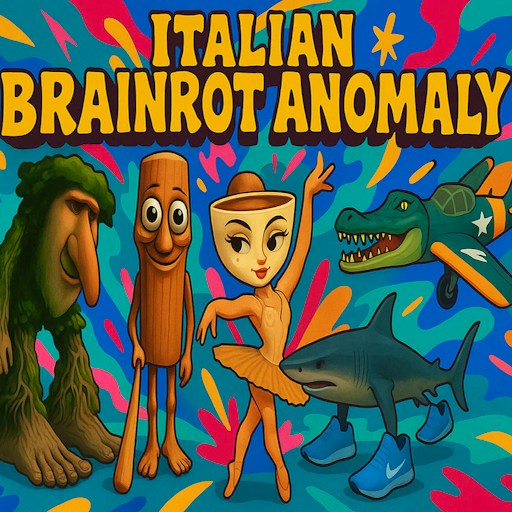
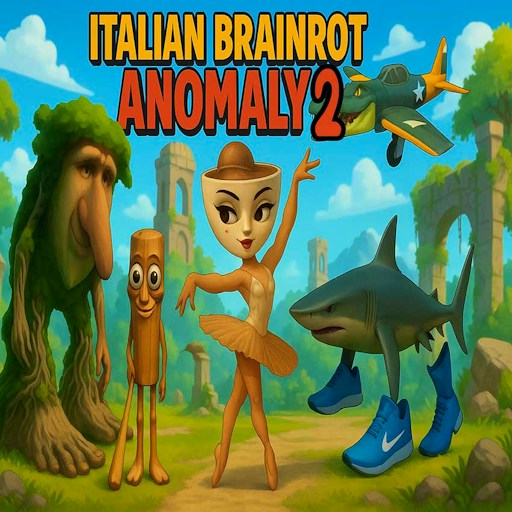
The brainrot theme is mostly visual here. A shark wears sports shoes, a crocodile appears in an aviator outfit, and the level previews introduce other odd combinations in similarly detailed interiors. You do not need to identify a character by name to solve a scene. The actual skill is comparing shapes and objects, so someone who has never followed the memes can still understand the task within a few seconds.
That makes this a quieter way to explore the theme than a chase or arena game. The humor sits inside the illustration while your attention goes to the small mismatch. This page hosts the GamePix title with the singular name Find the Difference. Other games use very similar names, so their level counts, controls, or advice may describe a different version. Follow the pictures and interface in this player when deciding what to do next.
How to Play Italian Brainrot: Find the Difference
Press Play now on the page and start the GamePix player. Once the game's illustrated title screen appears, choose Play to reach the level cards. The opening animation can take a moment to settle. Select the available Level 1 card to begin. Later cards display locks at the start, making the first card the natural place to learn how the image comparison and feedback work.
Look at both pictures before making a selection. First compare the large outlines so you understand how the two scenes line up, then move to smaller details. A useful starting route is the top of the room, the character's head and body, and finally the floor. Click the location of a difference when you have identified a specific mismatch. Make one selection at a time so you can see the game's response clearly.
Keep an eye on the interface above the pictures. It shows the current level, a star bar, three heart icons at the start, and a Hint control with a small video symbol. The heart display is a good reason to avoid scattering guesses around the image. Use deliberate comparisons first. If you choose a video-marked hint, the player may offer an advertisement as part of that reward; it is separate from ordinary picture selection.
When a detail is hard to judge, choose a nearby landmark visible in both pictures and compare outward from it. The edge of a frame, the corner of a window, or the shape of a shoe can help you keep the same region in view. Use the back arrow to return to the level menu when needed, and the speaker icon to control sound. The website's Expand control can give the pictures more room without changing the puzzle itself.
Controls
- Mouse click: Select a level or mark a difference in the pictures.
- Touch input: not verified on a physical phone; follow the game prompts if your device offers touch controls.
- Back arrow: Return to the preceding game screen.
- Speaker icon: Control the game's sound.
- Hint button: Optional assistance; its video symbol indicates a reward-ad option.
- Expand on this page: Give the embedded game more viewing space.
Tips & Tricks
- Compare matching regions in a fixed order. Jumping randomly between the top and bottom of the room makes small objects easy to overlook.
- Check the background after the main character. Wall art, lamps, and objects near the floor are easy to ignore when a large face draws your attention.
- Look at color and shape separately. An object can occupy the correct place while one part of it looks different.
- Choose the center of the detail you mean to mark. A click near two neighboring objects can make the feedback harder to interpret.
- Wait for the response to a selection before clicking again. This keeps you from confusing a delayed visual update with a missed input.
- Take a brief look away from the picture when you get stuck. Returning to a familiar section with fresh attention can be more productive than guessing.
Why Play Italian Brainrot: Find the Difference Here
Choose this game when you want an observation puzzle with illustrated characters and visible level progress. The first scene provides enough detail to reward a careful scan, while the card menu gives you a sense of what remains to explore. You can focus on one picture at a time without learning movement keys or navigating a 3D world. Its best moments are the small discoveries: noticing the one object you kept looking past, selecting it, and moving your attention to the next part of the room.