About Hunter Tung Tung Sahur
Hunter Tung Tung Sahur turns the wooden meme character into an enemy you meet across a side-view shooting stage. You control an armed character and work toward the airplane in the hangar. The first level presents enemies, a health display, an ammunition count, and a visible firing control, giving you several things to watch while deciding how to move forward.
The level-selection screen is a useful place to begin: choose Level 1 and learn the scene before worrying about later stages. This is a smaller-scale action setup than a sprawling 3D chase. You see the character and enemies from the side, so distance and positioning are easier to compare directly. That clear view also makes it obvious when several threats are becoming your problem at once.
The Meme Behind Hunter Tung Tung Sahur
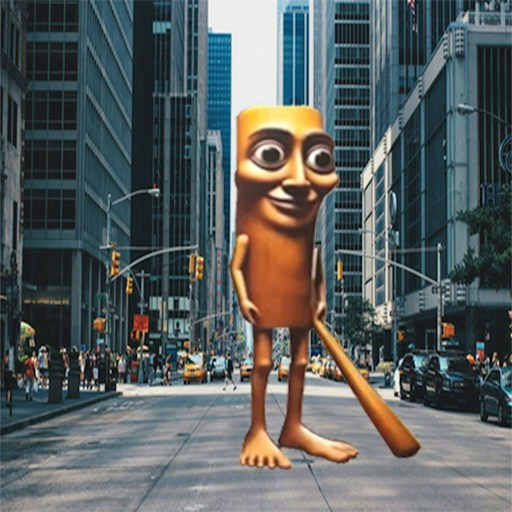
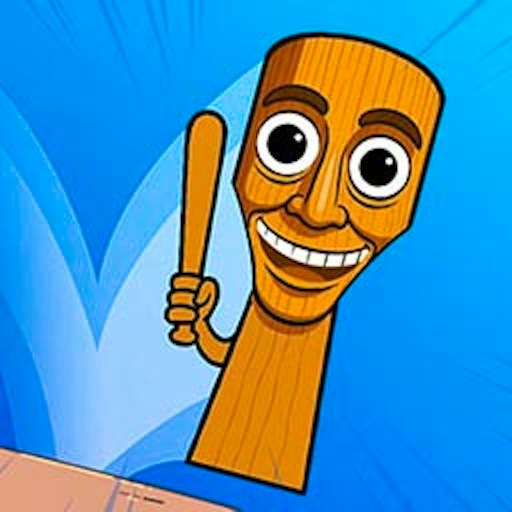
Tung Tung Sahur's tall wooden shape makes an unusual opponent for a platform shooter. Seeing several versions of the same recognizable figure approaching your character turns a familiar meme into a repeating combat hazard. The game uses that visual identity to establish its theme without requiring you to remember an elaborate cast or story.
The airplane gives the level a destination beyond clearing whatever is directly in front of you. It connects the enemy encounters to an escape objective: move through the danger and reach a way out. The absurd enemies supply the humor, while the stage asks for ordinary action-game habits such as reading distance, checking resources, and knowing where you want to go next.
How to Play Hunter Tung Tung Sahur
Start from the level menu and select Level 1. When the stage appears, locate your character, nearby monsters, and the airplane or hangar area. Notice where the health and ammunition displays sit before the action becomes distracting. A short look at the interface helps you understand later changes instead of discovering every counter only after something goes wrong.
Use WASD to move. Begin with small inputs so you can see how the character responds inside this particular stage. Avoid holding a direction for a long stretch before you know where it leads. The purpose of the first attempt is partly to understand the movement space and how much room you have around an approaching enemy.
Use the visible firing control and follow any instructions the game shows. Check for an actual shot or a change in the ammunition display when learning the input. That feedback matters more than the fact that you clicked a button. If you cannot see a response, make sure the game has focus and inspect the current controls before repeatedly pressing unrelated keys.
Advance toward the hangar while keeping nearby enemies in view. Clearing a small amount of space can make the next movement easier to judge. Rushing forward while concentrating on a distant destination may put a closer monster outside the part of the screen you are watching. Move with the immediate encounter in mind, then reassess the route.
Read the health and ammunition counters between encounters. They describe different limits: the damage you can still take and the shots available for the fight. Let the visible state guide your next action instead of assuming that every attempt starts or continues with the same resources. Follow the level's completion feedback when you reach the airplane area.
Controls
- WASD: Move the character on desktop.
- On-screen firing control: Shoot according to the game's prompts.
- Mouse: Select a level and use menu buttons.
- Touch input: not verified on a physical phone; follow the game prompts if your device offers touch controls.
- Read the current stage for any additional controls; do not assume a key from another shooter applies here.
Tips & Tricks
- Start with short movement inputs. Learning how far a small input carries you makes it easier to stay aware of both the next enemy and the route behind you.
- Confirm the firing input through visible feedback. An ammunition change or a shot is a better signal than repeated clicks that do not appear to affect the stage.
- Keep the nearest threat in view before planning a long advance. A clear route to the hangar is only useful if you can get through the encounter in front of you.
- Check health after contact with an enemy. Connecting an encounter to the resulting counter change helps you recognize which situations to avoid on a later attempt.
- Treat ammunition as information to read, not a decoration beside the action. Watching it makes your next decision more deliberate when several enemies are visible.
- When an attempt goes wrong, separate movement trouble from firing trouble. Practice the input that caused the problem before trying to solve both at full speed.
Why Play Hunter Tung Tung Sahur Here
Hunter Tung Tung Sahur is a good fit when you want the meme theme in a straightforward side-view action format. The first stage gives you an enemy group, a small set of displays, and a destination to work toward. That makes it easy to begin with a concrete question: can you handle this encounter and move closer to the airplane? It is a different pace from the collection and horror games in this batch.