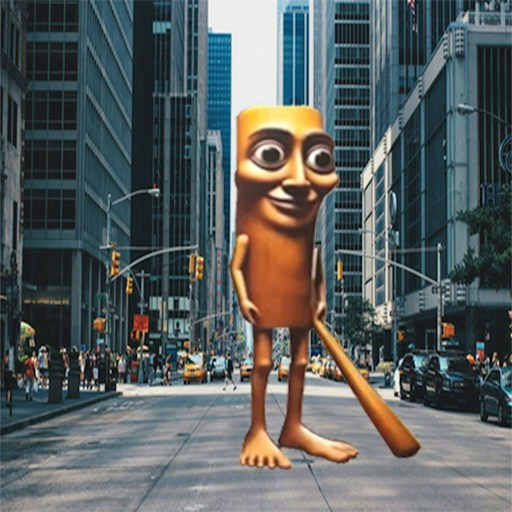
About Shot a Brainrot!
Shot a Brainrot! places you in a first-person arena instead of a fixed shooting gallery. The view follows your movement, and the weapon's ammunition count tells you when a shot has been fired. The opening scene begins at Wave 1, so you can start testing movement and aim without selecting a level from a long map.
In the checked desktop session, pressing W moved the viewpoint and a left click fired once, lowering the visible ammo number from 30 to 29. That verifies movement and the basic shooting input. It does not establish whether that particular shot hit an enemy, how many enemies a wave contains, or whether the wave was completed. The official description mentions multiple weapons, but their availability was not checked in this run.
Brainrot in the Crosshairs
The enemies and title use Brainrot humor, but the player's immediate job is recognizable shooter work: move, aim, fire and manage the weapon's ammunition.
How to Play Shot a Brainrot!
Start the official GamePix player and let the first-person scene load. Wave 1 appears in the opening round.
Use W to move forward and reposition before firing. The game presents the rest of the WASD movement scheme on screen.
Aim with the mouse and left-click to shoot. Look at the ammo display to confirm that a shot was used.
Keep enough space to see targets and the arena. If you run low on ammunition, use the game's displayed reload control before taking the next shot.
Controls
- WASD: Move; W movement was checked directly.
- Mouse movement and left click: Aim and fire; one click consumed one round in the checked session.
- R: Reload, according to the game's control instructions.
- Shift / Space: Run / jump, according to the game's control instructions.
Tips & Tricks
- Check the ammo number after firing rather than assuming a click registered.
- Move before shooting when your view of an enemy is blocked.
- Learn the opening arena and movement speed before relying on the extra controls shown by the game.
Separate movement, aiming and firing checks
The checked opening reached Wave 1, registered forward movement with W and reduced the ammunition display from thirty to twenty-nine after a left click. Those observations establish basic input responses. They do not establish a successful hit, a defeated enemy or a completed wave. This distinction matters when you are diagnosing a problem: a decreasing ammunition counter means a shot was registered, but it does not tell you whether the target was inside the effective aim area.
Learn one input at a time. First make sure the game has keyboard focus and that you can move in the scene. Then move the mouse gently to understand the view response. Finally, fire a single shot while watching the ammunition display. This sequence helps separate a focus problem from an aiming problem. If several inputs are pressed together, a sudden camera movement can obscure what the shot actually did.
Make ammunition feedback useful
Avoid holding the fire button simply to check whether the game works. Short, deliberate inputs give clearer feedback and make it easier to notice a change in the display. Once you understand the basic response, choose a visible target and compare where you aimed with the result shown in the scene. This is practice advice rather than a claim about damage values, range, recoil or enemy health; those mechanics were not established in the opening check.
The displayed instructions also describe controls beyond the small set tested. Follow the current on-screen mapping for reloading and movement options, but do not read a listed key as proof that every related action was demonstrated. If a reload appears not to work, check the game state and instructions before repeatedly pressing it. A menu, a paused view or an unfinished provider prompt can prevent an otherwise correct input from reaching the game.
Choose the game with its theme in mind
This is a first-person shooting presentation, so its subject matter differs from the site's sorting puzzles and hidden-picture games. The intended website audience is fourteen and older, but that audience statement is not an individual age rating for every third-party game. Use the visible scene and content notes to decide whether this kind of action suits you. Players who prefer a non-shooting challenge can choose another category from the catalog.
The opening evidence is not a walkthrough of later waves, weapons or upgrades. If you reach a new system, inspect its explanation before assuming a tactic from another shooter transfers directly. A useful problem report identifies whether movement, view control, firing or the wave transition failed. It should not include account details or other personal information; the game name, device type and failing action are usually more useful.
Why Play Shot a Brainrot! Here
Choose this if you want a free-moving first-person shooter rather than a stationary target screen. The Wave 1 scene and visible ammo display make the opening actions easy to understand.