About Tung Tung Tung Sahur 2
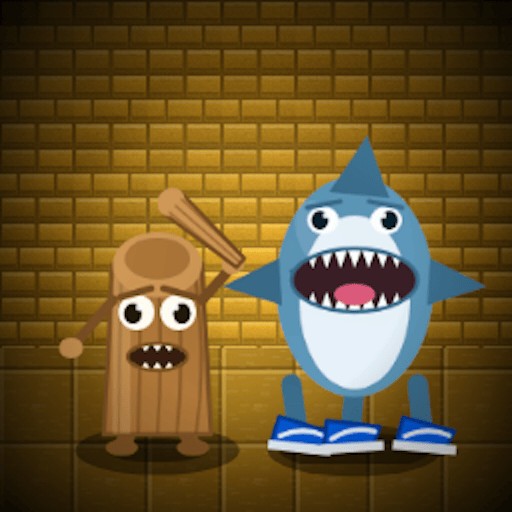
Tung Tung Tung Sahur 2 takes its familiar wooden character into a dim hospital rather than another bright obstacle course. GamePix describes a duel with Tralalero Tralala sharks that fire back. The embedded game opens with a level selector; in the desktop check, Level 1 led into a room with three hearts visible on the HUD. Pressing W moved the character and camera forward. A click produced a projectile, though the check did not confirm a hit or a defeated enemy. That is enough to establish a moving, aiming game, but not enough to promise a particular number of levels or an easy first victory.
The hospital layout matters because a shot is only useful if you can see where it is going. Unlike a stationary target game, your position changes while you look for a safe angle. Take time to notice the edges of a room and the route back to it. If you rush down a corridor without looking at the available cover, you can lose track of the opponents or the path you just used. The three visible hearts make health easy to monitor in the opening room; the exact damage rules were not measured in this session.
The Meme Behind Tung Tung Tung Sahur 2
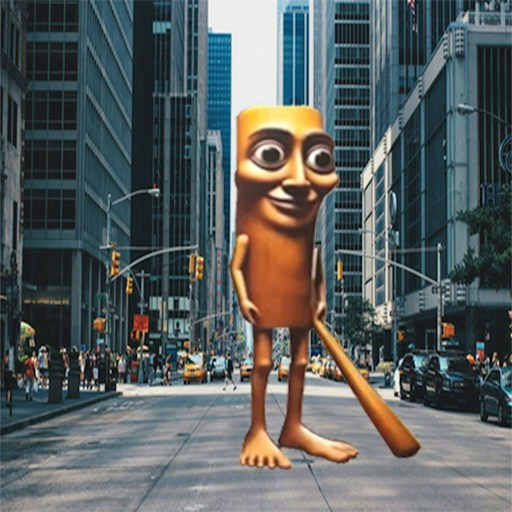
Tung Tung Sahur and the sneaker-wearing shark are usually funny characters in a fast-moving feed. Here they are set against a run-down hospital. The joke is the mismatch, but the play is a cautious shootout. If you came for a cheerful character quiz, this darker setting will feel different from the site's other Tung Tung games.
How to Play Tung Tung Tung Sahur 2
Select Play on this page and then Play in the GamePix frame. Choose Level 1 and use the on-screen TOUCH TO START prompt. Click inside the frame if your keyboard is still controlling the browser. On desktop, W advanced the character and camera during the check, and a mouse click showed a projectile. GamePix lists arrow-key movement and Space to fire; those listed inputs were not individually verified here, so begin with the on-screen instructions if the controls differ in your session.
After starting, let the first room become your reference point. Move a short distance, stop, and look for the nearest opening before you fire. Watch the hearts at the top of the screen as you experiment with movement. If you need to reload the entire game, use the Reload control above the player; that restarts the embedded session and may reset your current progress. The check did not establish how checkpoints or saved levels work.
Controls
- Play, Level 1, then TOUCH TO START opens the tested first room.
- Desktop check: W moved the character and camera; a mouse click showed a projectile.
- GamePix lists arrow keys to move and Space to shoot; those keys were not separately confirmed here.
- Phone input was not tested on a physical device.
Tips & Tricks
- Move in short bursts while you learn how the camera follows Tung Tung Sahur.
- Use the hearts as a visible cue that an encounter may be costing you health.
- Aim from a position where you can still retreat through a corridor.
- If a listed key does nothing, click inside the game frame before trying again.
Why Play Tung Tung Tung Sahur 2 Here
Choose this one when you want to move through rooms and aim, rather than answer questions about the characters. The opening level and forward movement were checked on desktop. Enemy damage, later levels, a completed run, and physical-phone controls remain unverified.