About Brainrot Duels
Brainrot Duels puts two characters into a changing series of short challenges. The important question is not just where to move, but what this particular round wants you to do. A match begins from the lobby, selects a game mode, and then moves into the arena with YOU and OPP. labels above the characters.
GamePix describes a best-of-five format with 18 minigames. The visible mode selection includes prompts such as climbing a rope, moving on a green light, and pushing an opponent toward danger. Read the instruction on the selected card: a useful action in one challenge may be a mistake in the next.
The Meme Behind Brainrot Duels
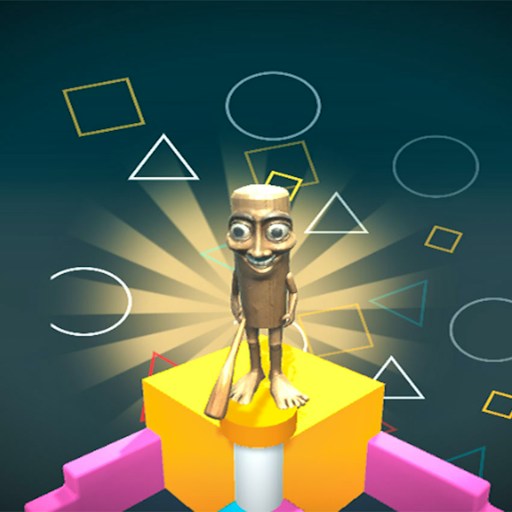
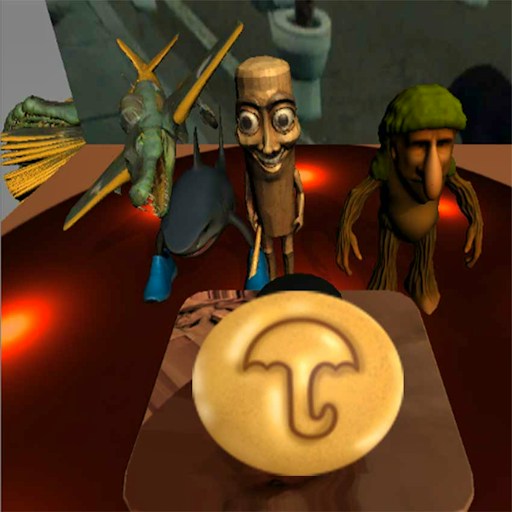
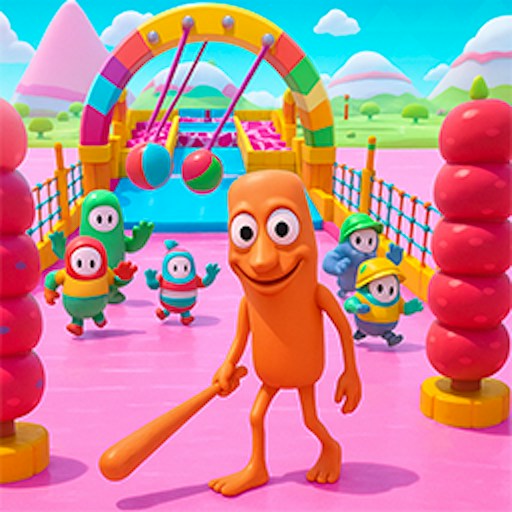
The lobby uses expressive cartoon characters, collectible appearances, and a playful competitive presentation. The round itself has much less room for distraction. Character labels, a short instruction, and the arena layout are the details that help you understand what is happening.
How to Play Brainrot Duels
Click PLAY in the lobby with DUELS selected. Let the matching and mode-selection screens finish. Avoid pressing repeatedly during that transition; wait until the game has introduced the next task.
Read the selected minigame instruction before the round begins. Watch the two character labels and identify your own player. The left and right movement keys provide a starting point, but the action required to win depends on the current challenge.
Use A and D or the left and right arrow keys to move. The official control list uses W or the up arrow for jumping and Space for context-dependent actions. Follow the current round prompt when it asks for a specific response.
After a round, look at the round markers and let the next mode appear. A new arena can ask for a different timing pattern. Treat each change as a fresh instruction rather than assuming the previous strategy still applies.
Controls
- A / D or left / right arrows: Move.
- W or up arrow: Jump when the current mode uses jumping.
- Space: Perform the action requested by the current mode.
- PLAY: Begin from the lobby.
Tips & Tricks
- Read the mode card; the win condition matters more than memorizing one movement pattern.
- Use the YOU label to keep track of your character when both players are close together.
- Release movement keys during transitions so the next round does not start with an unintended move.
- Learn one challenge at a time instead of trying to rush through every prompt.
Build a new plan for each mode
The mode card is the most important information during a transition. Before acting, identify the requested objective, your YOU marker, and the specific input the prompt describes. A movement key can be useful for positioning, but that does not make continuous movement the correct response in every challenge. A green-light instruction, for example, asks you to pay attention to a changing condition rather than hold a direction indefinitely. Read the current card instead of importing a rule from the previous round.
Release your keys while a new challenge loads. This creates a clear start for the next decision and reduces the chance of an old input carrying into a different situation. Once the arena appears, make a short movement to identify your own character. The YOU and OPP. labels matter more than the character costume when the pair are close together. Knowing which side you control comes before attempting to interfere with the opponent.
Judge progress by the current objective
A best-of-five description is information about the match format, not a strategy for each of its advertised minigames. Work on one challenge until you understand what the screen is asking. Watch the result of your action and compare it with the mode's instruction. A quick loss can still teach you whether you acted before a signal, moved the wrong character, or misunderstood the target. Those are different errors and need different adjustments.
The existing check establishes a route from lobby to arena and a limited set of movement observations. It does not verify all eighteen advertised minigames or prove who controls the opposing character. Do not interpret an opponent label as proof of live online matchmaking. If a mode behaves differently from this introduction, its own prompt is the more relevant guide. For this game's changing format, understanding one instruction well is more useful than memorizing a universal sequence of keys that may not fit the next round.
Why Play Brainrot Duels Here
The changing tasks make Brainrot Duels a useful choice when you want variety within one game. A short round can focus on movement, timing, or a quick action, and the next selection gives you another rule to learn. The browser version can enter rounds without a separate game installation.