New Brainrot Games
Added to the collection in the last 7 days.
 NEW
NEWItalian Brainrot R.E.P.O Street of Rage
Rhythm & ActionDesktop only NEW
NEWSprunki Find Tung Tung Tung Sahur
Puzzle & Merge NEW
NEWBrainrotIO
Escape & Survival NEW
NEWItalian Animals Create a Christmas Brainrot!
Puzzle & Merge NEW
NEWTung Tung Sahur Andreas Shooter
Rhythm & Action
Italian Brainrot Neuro Beasts
Clicker & Idle
Italian Brainrot Tung Sahur
Puzzle & Merge
Create Bombardiro Crocodilo
Puzzle & Merge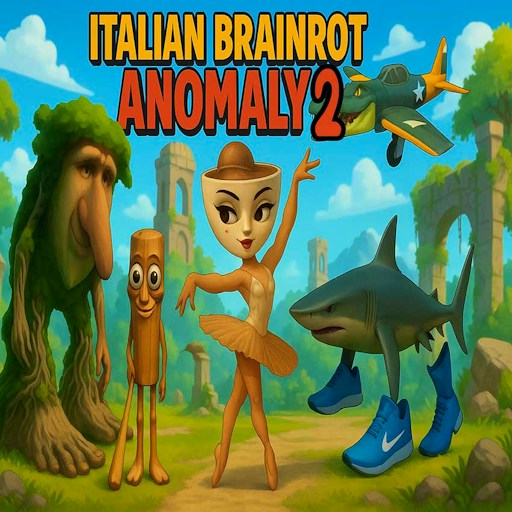
Italian Brainrot Anomaly 2
Puzzle & Merge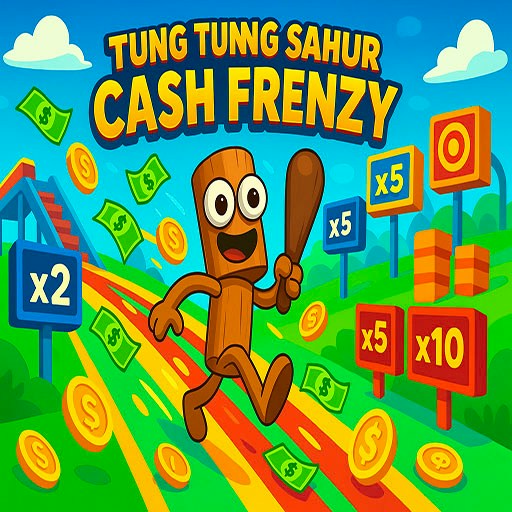
Tung Tung Sahur Cash Frenzy
Rhythm & Action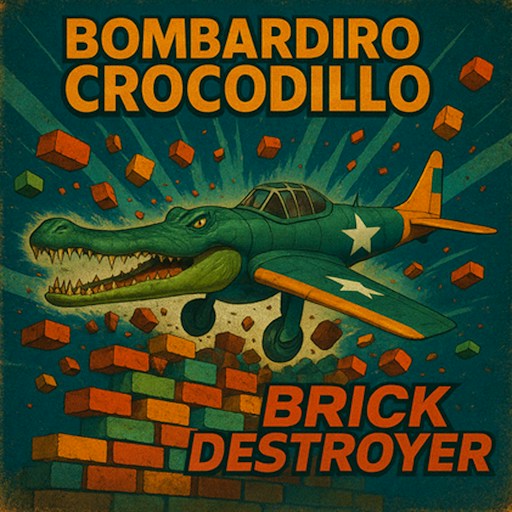
Bombardiro Crocodillo Brick Destroyer
Rhythm & Action
Tung Tung Sahur: Find Hidden Map
Puzzle & Merge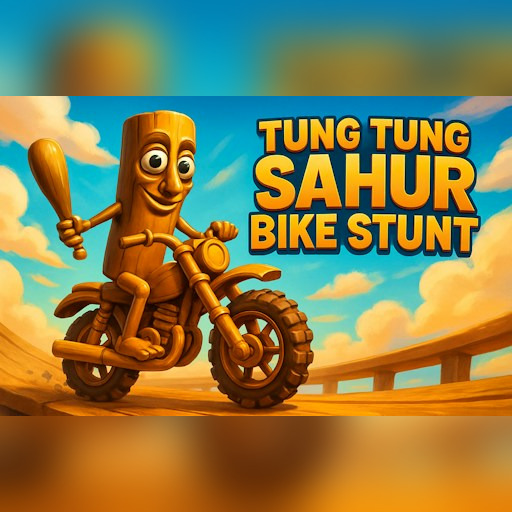
Tung Tung Sahur Bike Stunt
Parkour & Obby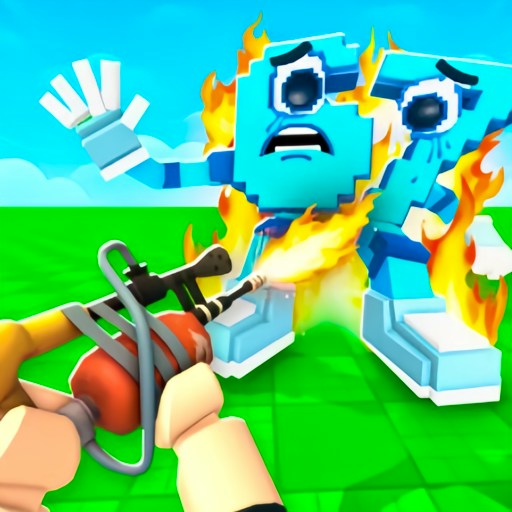
Shot a Brainrot!
Rhythm & Action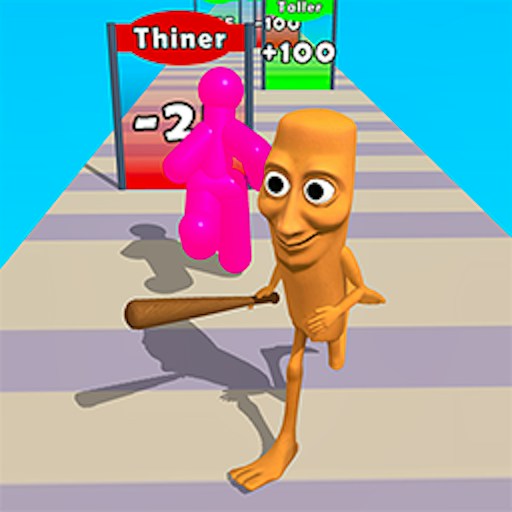
Brainrot Chaser: Brainrot Challenge Game
Parkour & Obby
Tung Tung Sahur LOL Face
Rhythm & Action
Tung Tung Sahur Snow Arena
Rhythm & Action
Shark Tralalero Tralala
Rhythm & Action
Brainrot Helix Twistcore
Rhythm & Action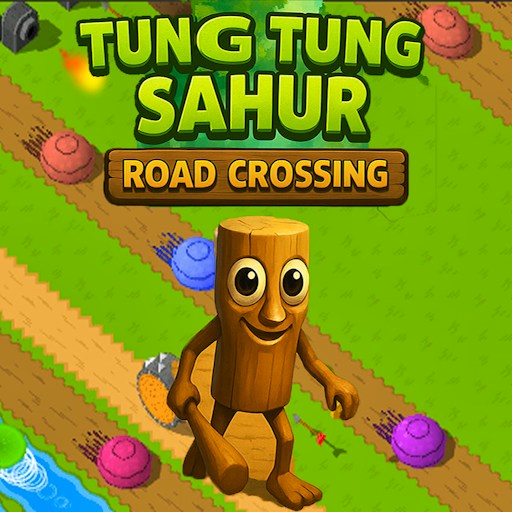
Tung Tung Sahur Road Crossing
Rhythm & ActionShowing 1–20 of 20 games
How to choose from the latest additions
The cards above are selected by the date a game was added to this website, using a rolling seven-day window. That date is not necessarily the developer's release date, and it does not mean a game is more popular or better than an older one. The notes below cover the September 24, 2026 additions. They remain a dated comparison even after those games move out of the latest-games list.
This batch offers five different opening activities: launching toward bricks, searching a picture, approaching a stunt ramp, navigating a shooting scene and dragging through a runner course. Choosing by that first activity is more useful than treating all five as interchangeable brainrot games. The checks described here establish particular desktop actions. They do not establish complete solutions, every later mode or play on a physical phone.
Launch and steer: Bombardiro Crocodillo Brick Destroyer
Bombardiro Crocodillo Brick Destroyer is the choice in this group for comparing short launch attempts. Space starts the movement, and the arrow controls let you adjust the approach. The recorded check included launch, a steering response and a scored result. Start with one visible target group, then change the timing of a turn on the next attempt. That gives the result a useful context.
The score alone does not explain the formula behind it. A particularly dramatic collision is not proof of a specific multiplier or a fixed value for every brick. This game is therefore a better fit for someone who enjoys experimenting with an approach than for someone looking for a fully mapped level solution. Read the page's control notes before launch so that the first attempt can focus on the scene.
Inspect a scene: Tung Tung Sahur Find Hidden Map
Find Hidden Map changes the pace. Its opening is a timed picture search with a progress counter. The check registered a selection and moved the displayed count from zero of ten to one of ten. For a first attempt, scan from one edge of the image to the other rather than jumping between details at random. After a selection, check whether the counter changed before moving on.
This is a visual-search recommendation, not an answer map. We have not confirmed every item location or completed all ten selections in the recorded check. Nor does a single successful selection establish that positions are identical across every version or round. Choose it when the appeal is noticing details in an image; choose a different activity if a timed search is not the kind of session you want.
Practice an approach: Tung Tung Sahur Bike Stunt
Bike Stunt introduces a vehicle and terrain. The opening check reached Area 1 and used W to move toward its first ramp. Treat that ramp as a small practice problem before trying to cover the whole course. A repeatable approach gives you a basis for learning additional inputs. If the approach changes wildly on each retry, it becomes harder to decide what caused the later failure.
The checked vehicle looked like a scooter, even though some artwork suggests a dirt bike. Use the in-game instructions and actual response rather than assuming the handling from the cover. The instruction mapping includes more controls than the opening check exercised. Later areas, full stunt sequences and completion remain outside that record. That limitation is worth understanding before expecting a complete walkthrough.
Check the controls separately: Shot a Brainrot
Shot a Brainrot uses a first-person shooting scene. The check reached Wave 1, registered forward movement with W and reduced ammunition from thirty to twenty-nine after a left click. It did not verify a hit or finish the wave. On your opening attempt, separate movement, view control and firing so you can tell which response you are observing.
Pick this one for its aiming and shooting presentation, with that theme in mind. The site's intended audience of fourteen and older is not an individual age rating for the game. If shooting imagery is not what you want, the hidden-map game offers a different activity within the same batch. The presence of familiar meme characters does not erase the difference in subject matter.
Read gates while moving: Brainrot Chaser
Brainrot Chaser combines a moving course with horizontal dragging. The opening check changed the character's position and reached a Retry action after a failure. Gate labels such as Taller and Thicker present choices, but their exact effect on successful play was not established. Observe what a chosen gate changes before assuming that a larger-looking character is always an advantage.
This is the batch's option for making route decisions while the course advances. Use small drags to learn how pointer movement translates into position, then compare one gate choice across attempts. A completed level and real-phone touch behavior were not confirmed. If you want more time to consider each decision, begin with the picture-search activity or browse the puzzle category instead.
Use the date and device notes together
An addition date tells you when we listed a game. A testing date tells you when a particular observation was recorded. Editing a guide does not turn an old gameplay check into a new one. Read both when choosing, and expect that an external provider may change its version after our recorded check. A successful desktop opening also does not establish performance or controls on every other device.
If a player stalls, the loading guide helps distinguish the website's Play button from a provider prompt, an in-game menu and a control problem. For a broader comparison of activities, read Choose a Brainrot Game. The aim is to help you find a game whose opening interaction suits you, while keeping the limits of the available evidence clear.