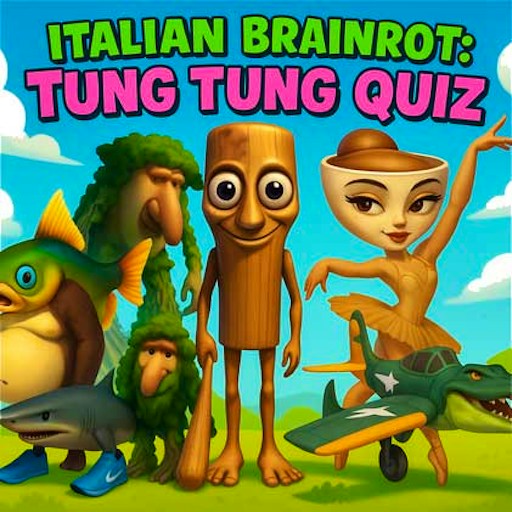
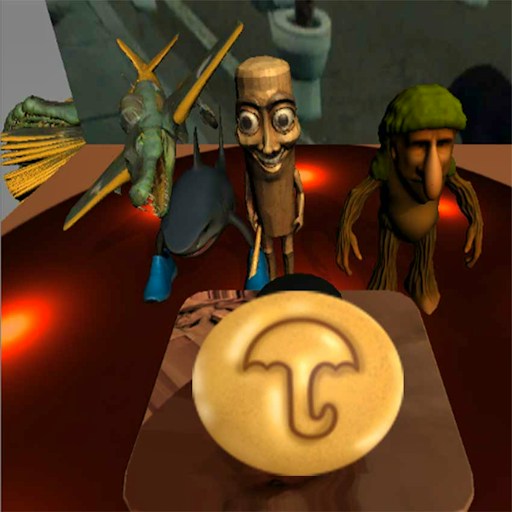
About Tung Tung Sahur: Find Hidden Map
Tung Tung Sahur: Find Hidden Map is an observation game rather than an escape chase. A picture fills the play area, small map items are hidden within it, and a timer makes each search feel deliberate. The item counter provides immediate feedback when you identify one of the objects correctly.
In the checked desktop round, selecting Play the Game opened a timed scene. Clicking a map item changed ITEM FOUND from 0/10 to 1/10. That confirms the central interaction and the size of the displayed target list for that scene. It does not prove that every item is in the same position on every attempt, or that the complete set was found in testing.
Finding the Map with Tung Tung
Tung Tung Sahur gives the puzzle its Brainrot theme, but recognizing the small map symbols is the skill that matters here. The character name does not turn this into a running or combat game.
How to Play Tung Tung Sahur: Find Hidden Map
Start the official player and choose Play the Game on its opening screen.
Study the full picture before clicking. Look for the small map shape among the scene's other details.
Click a suspected map item and check the ITEM FOUND counter for confirmation.
Continue scanning while the timer is active. Shift your attention to parts of the picture you have not inspected instead of repeatedly clicking the same spot.
Controls
- Mouse click: Choose Play the Game and select objects in the scene.
- ITEM FOUND counter: Shows confirmed finds in the active round.
- Timer: Shows the remaining time for the scene.
Tips & Tricks
- Divide the picture into smaller areas so you can search systematically.
- Use the counter to distinguish an actual find from an ordinary click on the background.
- If you lose track of a section, return to the picture's edges and scan inward again.
Search the image in a fixed order
The opening scene is a visual search rather than a movement course. Start in one corner and work across the picture in narrow bands. Overlapping each band slightly helps you avoid leaving an unexamined strip between areas. When several objects have similar colors, look for changes in outline and texture instead of relying on color alone. This method is intended to organize your attention; it does not identify hidden items or promise that they appear in fixed positions on every attempt.
The desktop check entered a timed scene and registered one selection, changing the visible progress from zero of ten to one of ten. That confirms a working selection in the opening scene. It does not confirm the location of all ten items, a full solution, or whether later rounds reuse the same image. Use the current picture and progress display as your guide rather than memorizing coordinates from a screenshot of a different version.
Use feedback to narrow the next decision
After selecting a suspected item, check the progress display before clicking elsewhere. If the count changes, note what made that detail recognizable: its shape, its border, or the way it differed from nearby scenery. You can apply that visual clue to the rest of the picture without assuming that all remaining pieces look identical. If the count does not change, move on methodically instead of repeatedly clicking the same uncertain spot.
The timer makes a systematic scan especially helpful. Randomly jumping between the center and edges can make a scene feel familiar while leaving several areas unexamined. On another attempt, begin with the areas you did not reach previously. This gives the second run a purpose even if you have not learned a complete solution. The check did not establish penalties for incorrect selections, so this guide does not recommend rapid random clicking as a scoring strategy.
Make the picture comfortable to inspect
Use a view large enough to distinguish small details, and keep the entire search area visible where possible. Enlarging the player may help on a desktop, but browser zoom or a narrow screen can also move important controls out of view. Before starting a timed run, make sure you can see both the scene and the progress information. Changing the layout halfway through a search can cost you your place.
Choose this game when you want a visual-attention challenge with a clear item counter. It is not a verified untimed puzzle or a complete map walkthrough. If you report a problem, describe whether the scene loaded, whether the timer moved and whether a selection changed the counter. Those details distinguish a loading failure from a difficult item search much more clearly than saying that the map cannot be found.
Why Play Tung Tung Sahur: Find Hidden Map Here
Pick this for a calmer looking challenge built on visual attention and time management. A successful click changes a clear on-screen counter, so you can tell when a search decision worked.