About Brainrot Shooter
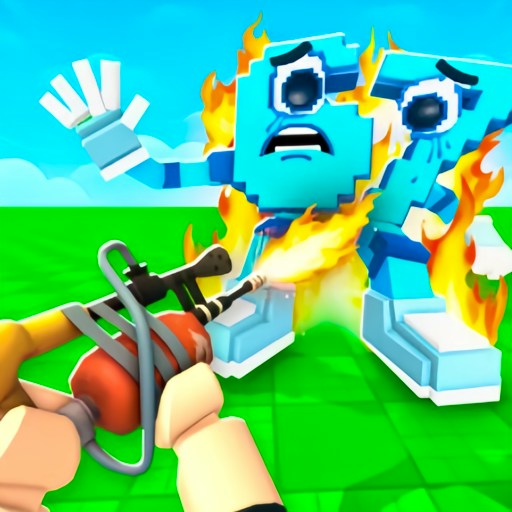
Brainrot Shooter puts a first-person survival game in a bright, blocky landscape. The opening scene looks almost peaceful: farm buildings, a windmill, sandy ground, and an enormous blue sky. Then the brainrots start crossing the map toward you. The contrast is the joke, but the pressure is real. You have a health bar, a weapon in front of you, and approaching enemies that will not politely wait while you admire the scenery.
The first round identifies itself as Wave 1 and shows ten brainrots remaining. That counter gives a run a clearer goal than simply wandering around with a gun. You can see the immediate problem, watch the distance close, and decide where to move next. The interface also separates health, level progress, coins, and defeats. Those are useful things to check between threats; staring at the numbers while an enemy walks into range is a less useful habit.
The Meme Behind Brainrot Shooter
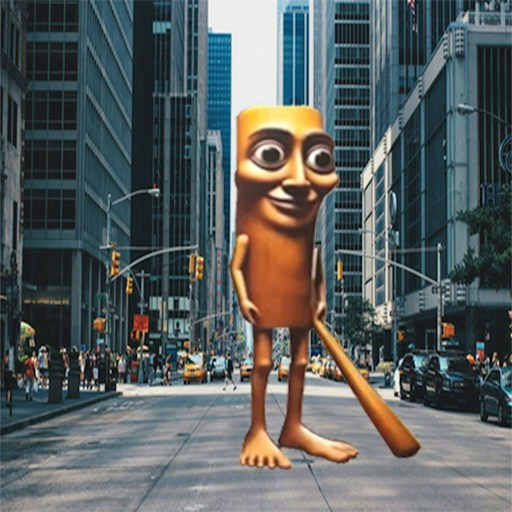
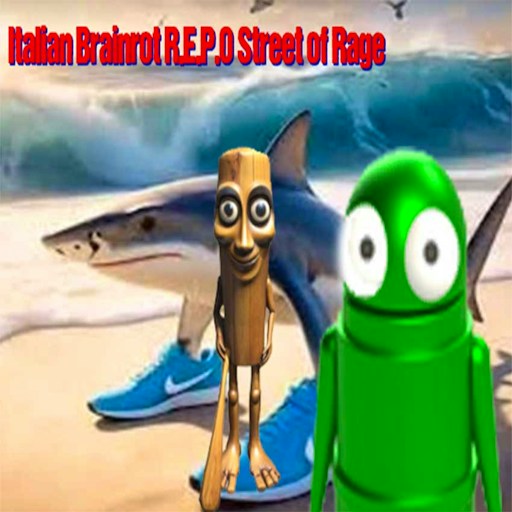
The cast uses the strange combinations that make brainrot characters recognizable: a wooden figure, a cactus-bodied creature, and a small character with an oversized face. Their chunky models fit the simple scenery. You can read a silhouette at a distance without needing to know its name or remember a long chain of meme references. Here the characters are moving targets and pursuers, rather than collectibles arranged along a base.
This is a separate browser game from Roblox experiences that also use the words brainrot and shooter. You do not need a Roblox login to open this version. Its appeal is immediate movement and aiming in a compact arena, with the surrounding buildings acting as landmarks. If your favorite part of brainrot games is collecting an entire roster, this offers a different kind of session: keeping the current group away from you long enough to keep playing.
How to Play Brainrot Shooter
Press Play now to open the GamePix player, then use the start button inside it. The first load includes a 3D game download and can take longer than opening the page itself. When the Brainrot Shooter menu appears, choose Play. Give the embedded window keyboard focus by clicking inside it before trying the movement controls. You should see the wave counter, health bar, and your current weapon when the round begins.
Use WASD to move around the arena and the mouse to turn your view and line up enemies. Start by finding a clear direction to travel. The windmill, buildings, and rock formations make useful reference points when you are learning the layout. Avoid turning so far downward that the ground fills your view. Keeping the approaching crowd visible matters more than making a dramatic camera sweep, especially during the first few seconds of a run.
Q and E switch between available weapons. The opening interface shows a gun and an axe, so pay attention to which one is selected before closing the distance to an enemy. Changing equipment does not remove the need to move. Watch the health bar and the amount of space behind you as well as the target in the middle of the screen. Getting trapped against scenery can end an attempt even when you still have equipment available.
Press Tab to open the pause menu. It offers Continue and Main Menu, along with a sensitivity slider that helps when small mouse movements turn the camera too far. Adjust the setting, resume, and check whether you can follow an enemy comfortably. If your health reaches zero, the Game Over screen offers New game. Use that control for another run; the website's Reload game button restarts the entire embedded window.
Controls
- WASD: Move through the arena.
- Mouse: Look around and aim your view.
- Q / E: Switch available weapons.
- Tab: Open the in-game pause menu.
- Pause menu sensitivity slider: Adjust how quickly the view turns.
- Touch controls have not been verified on a physical phone; check the device note and any controls offered by the game.
Tips & Tricks
- Choose an open route before focusing on one enemy. A clear escape direction gives you options when the rest of the wave catches up.
- Lower mouse sensitivity if you repeatedly lose sight of the target. A controllable turn is more useful than a fast turn you cannot stop.
- Check the selected weapon after switching. The picture in the lower corner is a quick way to confirm what you are holding.
- Use the arena's large landmarks to stay oriented. Backing around a building is easier when you remember what is on its other side.
- Pause with Tab when you need a break. Looking away while a wave is running gives the approaching enemies free time to close in.
- Treat an early defeat as a map lesson. Notice whether you lost health because of a blocked route, an awkward camera angle, or an enemy you stopped watching.
Why Play Brainrot Shooter Here
Choose Brainrot Shooter when you want a hands-on action game rather than a menu full of purchases. Its first-person view makes distance and camera control important immediately, and the wave display gives each attempt a visible target. The cartoon scenery keeps the presentation light, while the health bar makes standing still costly. A short run is enough to learn something practical about movement, then try again with a better route.