About Italian Brainrot Escape
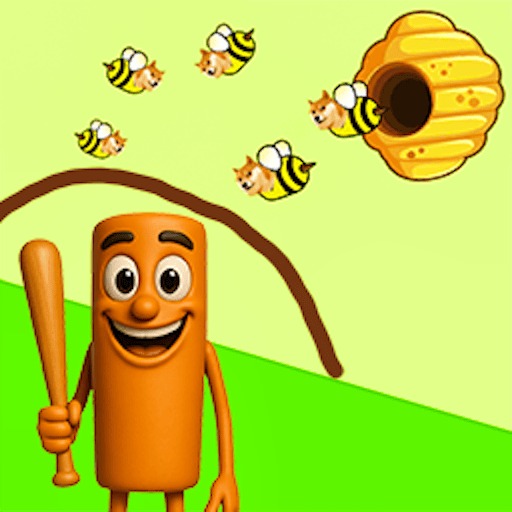
Italian Brainrot Escape turns a prison escape into a path-drawing puzzle. Instead of steering a runner with the keyboard, you use the pointer to lay out a route from a character toward an exit point. The opening level makes that interaction easy to see: a character sits near the bottom of the portrait play area, a white X marks the destination above, and dragging produces a dotted route.
The useful work happens before and during the drag. Look at where the character starts, where the exit is, and which parts of the scene the route would cross. A short line is easy to draw, but length is only one consideration when a puzzle introduces obstacles or several things to keep track of. Build the route around the actual layout in front of you.
The Meme Behind Italian Brainrot Escape
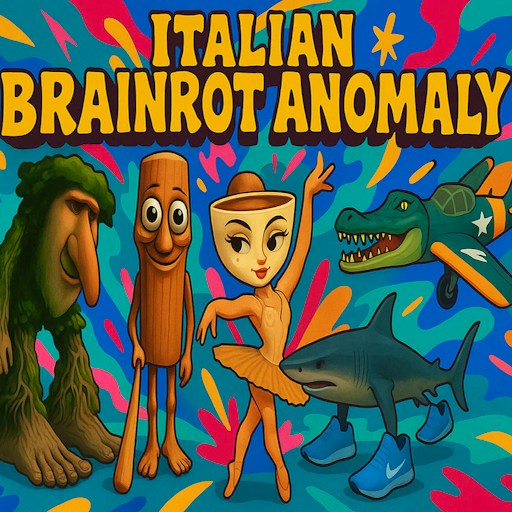
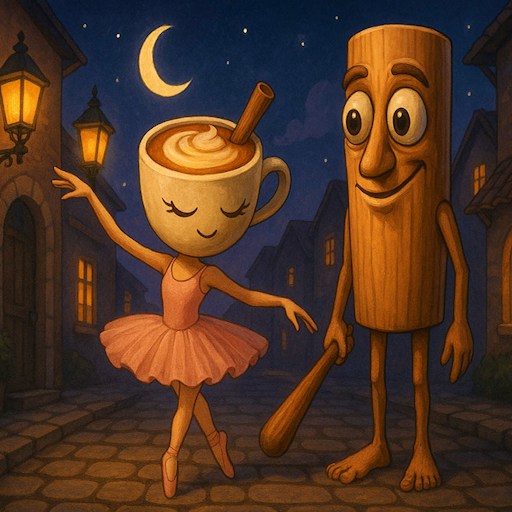
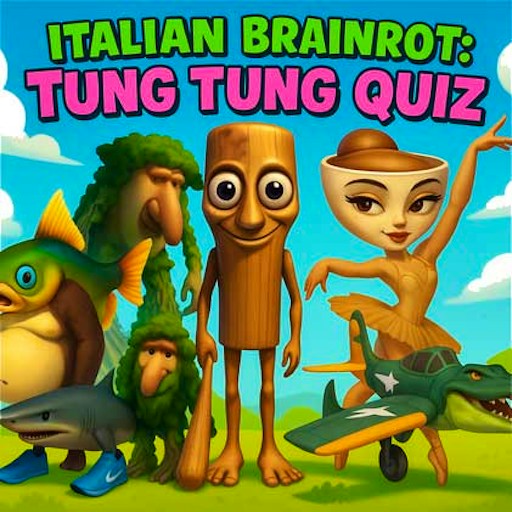
The official setup brings together Tung Tung Sahur, Brr Brr Patapim, Tralalero Tralala, and Ballerina Cappucina in a strange prison escape. The exaggerated characters give the puzzle its theme, while the path mechanic gives them something concrete to do. You are arranging a way out for an unusual cast rather than explaining the stories behind their names.
Treat the fiction as a setting for the puzzle. The important information is visible in the level: the character's position, the destination marker, and anything lying between them. Recognizing a favorite character may make a level more appealing, but a clear route still matters more than knowing which meme appeared first or how its name is usually pronounced.
How to Play Italian Brainrot Escape
Click PLAY GAME and let the first level appear. The game uses a tall play area, so check the top and bottom before beginning a drag. Make sure you can see both the starting character and the destination. If the browser window is cramped, the page's fullscreen control can give the puzzle more room.
Place the pointer on the starting character and hold while dragging toward the exit marker. A dotted line shows the route being drawn. Follow that line with your eyes as you move, especially around a corner or near an obstacle. This visible trail lets you inspect what you actually drew instead of relying only on where you intended the pointer to go.
Release near the destination and watch the game's response. Drawing the trail and completing the level are separate moments. Wait for the character movement or completion feedback before treating the puzzle as solved. If nothing changes, check where the line began and ended, then follow any prompt shown inside the level.
When a layout contains obstacles, plan the bends before pressing down. Identify a sequence of open spaces that connects the start to the destination. Drawing a wide, readable turn can be easier to control than squeezing the pointer around the edge of a hazard, particularly in a small browser window.
For scenes involving more than one character, read the positions and destinations carefully before drawing. The official description includes several characters with different movement styles. Let the current level explain how they interact; do not assume that a route which worked for one figure can be copied without adjustment for another.
Controls
- Mouse: Click and hold on a character, then drag toward its destination.
- Release: Finish the current drawing gesture and watch the level feedback.
- Touch input: not verified on a physical phone; follow the game prompts if your device offers touch controls.
- PLAY GAME: Enter the puzzle from the title screen.
- Fullscreen: Available in the page toolbar if you need a larger view.
Tips & Tricks
- Locate the destination before you begin. Starting a line without a clear endpoint often creates extra turns that were never needed.
- Use the dotted trail to inspect the route you drew. A small pointer slip is easier to notice when you follow the line itself.
- Keep the beginning of the gesture on the character. A drag that starts on empty space may not be interpreted as the route you wanted.
- Give narrow sections extra attention. Deliberate pointer movement is more helpful than trying to draw every part of the path at the same speed.
- Wait for the level to respond after releasing. Repeatedly drawing over the same area can make it harder to tell which gesture the game accepted.
- If an attempt stalls, inspect the start and endpoint separately. Correcting one missed marker may be more useful than changing the whole route.
Why Play Italian Brainrot Escape Here
This is a useful change of pace when you want the escape theme without a continuous first-person chase. The portrait layout keeps the problem in a compact space, and the drawn path turns your plan into something you can see. It suits players who enjoy studying a small arrangement, trying a route, and adjusting the part that did not work. The opening puzzle also gives you a straightforward place to learn the dragging gesture.