About Save the Brainrot
Save the Brainrot is a drawing challenge built around protecting a character. The first level places Tung Tung Sahur on a platform below a hive, with a ten-second target shown near the top. Your job is to plan a barrier before the threat reaches him.
The official GamePix listing calls the game Save the Brainrot, while the embedded menu reads Save the Champions. Choose the visible Tung character to reach the brainrot version of the opening challenge. The catalog name and menu name differ, but this page uses that official game entry.
The Meme Behind Save the Brainrot
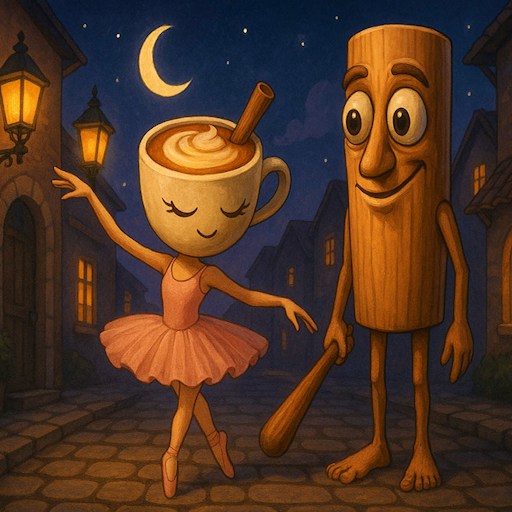
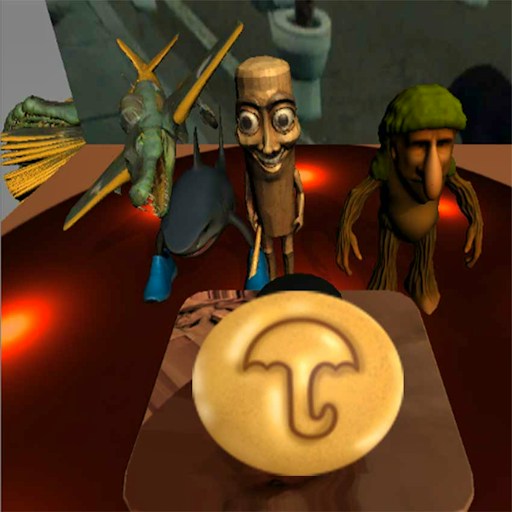
Tung carries a large red pencil in the character artwork, connecting the familiar wooden figure with the drawing mechanic. In the level itself, he is small enough that both his position and the route from the hive matter when planning a protective shape.
How to Play Save the Brainrot
Select PLAY on the game menu, then choose Tung on the left side of the character selection screen.
Wait for the loading screen to finish. In the first level, locate the hive, the character, and the platform before drawing.
Hold the left mouse button and drag to create a line. Think about the space around the character rather than only the shortest route between two points.
Watch the result. If YOU FAILED appears, use TRY AGAIN to return to the challenge and change your drawing.
Controls
- PLAY: Open character selection.
- Tung character card: Start with the available wooden character.
- Mouse hold and drag: Draw a protective line.
- TRY AGAIN: Restart after a failed attempt.
Tips & Tricks
- Check where the threat begins before choosing a drawing direction.
- Leave enough room around the character when planning your shape.
- Compare the result of each attempt with the barrier you intended to make.
- Treat a failed attempt as information about the exposed side of your plan.
Trace the threat's path before drawing
Start by locating the character, the platform supporting him, and the hive above. Imagine the open routes between the hive and the character. That exercise helps you decide which side of a proposed barrier actually needs to block access. A large shape is not automatically a protective shape: a small opening near the target can matter more than a long line elsewhere on the screen.
The opening scene shows a ten-second target, but the existing test did not verify a complete successful defense. Treat the timer as part of the level's instructions rather than a promise that any closed-looking line will survive it. After drawing, watch where the threat travels and whether the line remains where you expected. The result can reveal a gap in the plan or an unexpected interaction with the platform.
Draw with room for the character
Plan the barrier before holding the mouse button. Follow one deliberate route and release when the intended shape is complete. Keep the character's position in mind throughout the stroke. A line drawn too close to him may leave less useful room than you imagined, while a distant line may fail to protect an important approach. The current guide does not establish a maximum ink length or an exact physics model, so it does not prescribe an untested universal shape.
When an attempt fails, identify the exposed side first. Was there a visible route around the end of the line, did the threat approach from a different angle, or did the barrier behave unexpectedly after release? Change that part of the drawing on the next attempt. Replacing the entire design immediately makes it harder to learn which feature was responsible for the failure.
Understand the two names you may see
The official listing is Save the Brainrot, while the embedded opening menu reads Save the Champions. The checked route selected the visible Tung character to reach the brainrot-themed level. This name difference is already present in the provider's version; it does not mean you should search for a separate download or follow an unrelated advertisement to find the right game.
Choose the available character card and compare the opening scene with the hive-and-platform description. If the provider later changes the menu or level, report that difference rather than forcing these instructions onto an unfamiliar version. The purpose of the guide is to make the route into the checked activity clear. It does not claim that every character, optional unlock, or later barrier puzzle has been tested, and it makes no guarantee that a desktop mouse drawing will behave identically on a phone.
Why Play Save the Brainrot Here
This game turns protection into a small drawing problem. The opening scene presents a character, a hazard, and a limited space, leaving the line you draw as the main decision. It suits players who want to experiment with shapes instead of steering continuously.