Arena & Collect Brainrot Games
Explore arenas and gather a collection of strange characters.
 NEW
NEWBrainrotIO
Escape & Survival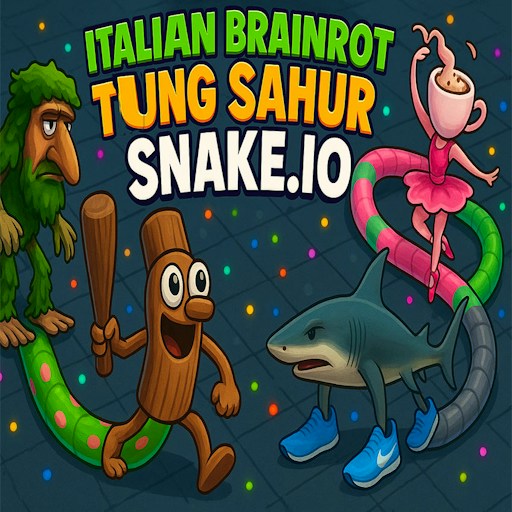
Italian Brainrot Tung Sahur Snake.io
Arena & Collect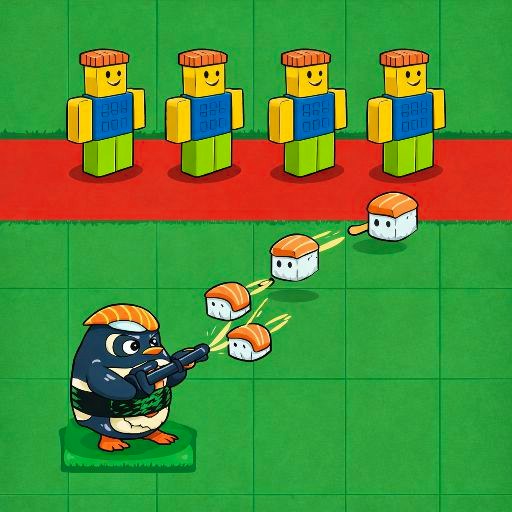
Brainrot Tower Defense
Arena & CollectChecked pick · Desktop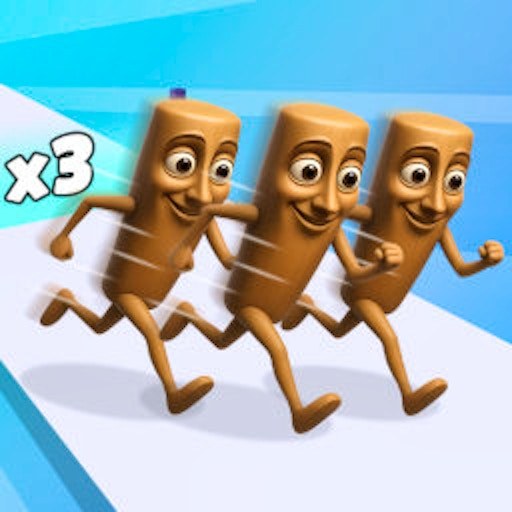
Brainrot Mob Clash 3D
Arena & Collect
Collect Brainrot Arena
Arena & CollectTemporarily unavailable
Lucky Brainrot Blocks Online
Arena & CollectTemporarily unavailableShowing 1–6 of 6 games
Read the arena's objective before following the crowd
An arena can contain movement, collection, opponents or defenses, and the visible activity does not always explain the win condition. Start by locating your character and reading the current objective. Then identify what an ordinary successful action changes: position, a counter, a group size or another displayed state. A busy scene can make a game look like a familiar genre even when its actual rules differ.
This category groups arena and collection settings. It also includes Brainrot Tower Defense through its primary catalog classification, with a separate Tower Defense collection for visitors specifically seeking that activity. The grouping is a navigation aid, not a claim that steering a character and placing a defense use the same controls. Read the particular game page before choosing.
Make the opening area your reference point
For a game with direct movement, establish a short route between two visible landmarks before moving into a crowded space. This helps you learn the camera and the amount of input needed to change position. If the activity involves gathering objects, observe the response to one object before planning a longer collection route. Do not infer a complete scoring formula from one counter change.
Names and moving characters can suggest online competition without proving a particular multiplayer mode. Look for specific evidence in the game page and provider instructions. Our opening checks do not certify matchmaking, opponent identity or every network feature. This distinction is especially useful when deciding whether you want a short solo experiment or a session that depends on other players.
Choose space and controls that suit the scene
Arena information may be spread around the player area. Before starting, make sure you can see both the action and the important counters. Expanding the player can help with space, but it cannot change the game's supported input method. A mouse or keyboard check is not evidence that touch controls work on a physical phone.
If the scene opens but input does not register, check focus and menus before reloading. The loading guide separates those problems. If the activity is simply too busy, the puzzle collection offers different ways to use the same short session. Choose by the decision you want to make, rather than the number of characters on the cover.