About Sprunki Craft - Sandbox 3D
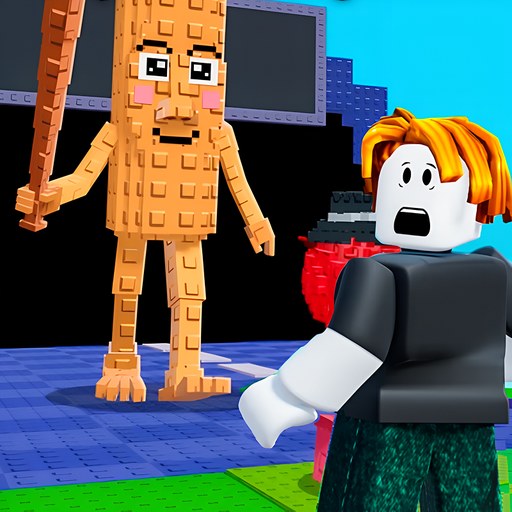
Sprunki Craft - Sandbox 3D begins with an orange character in a green, block-built hub. The hub is a useful place to decide what kind of session you want: its signs identify Small World, Sandbox, and Big World. Walking into Small World brings up a confirmation, and choosing Yes takes you into a Day 1 area with a character level and a progress bar. The opening is built around movement and mode selection.
The playable Small World scene introduces a level comparison: collect crystals to gain levels, approach weaker enemies, and retreat from stronger ones. Playgama also describes progression through enemies, trees, character upgrades, and new Sprunki. Those later systems are broader than the entry check below, which reached the first world, showed its tutorial, and verified movement and a camera change.
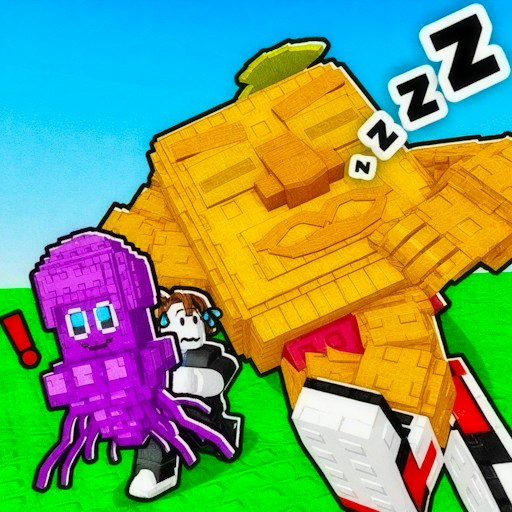
Sprunki characters inside a block-built adventure
Sprunki's cast gives this adventure its visual identity, while the cubic landscape changes what you do with the characters. You navigate a physical environment and choose a world before considering growth or combat. Players looking for a drag-and-drop music arrangement can use Sprunki Tung Sahur; the Craft game is a separate action-oriented choice rather than another sound-slot layout.
How to Play Sprunki Craft - Sandbox 3D
Start the player above and select Let's Play. Close any provider advertisement using its visible close control, then wait for the orange character and portal signs. Click in the scene and use WASD or the arrow keys to move. The yellow Small World portal is a clear first destination. Walk through its glowing opening, then choose Yes when the game asks whether to enter. Reaching the frame of the portal is not the same as confirming the world change.
The checked world opened with Day 1 on screen, our player at level 1, and another labeled character at level 2. Read the level number before moving toward a nearby opponent. The game's tutorial recommends attacking enemies below your level and running away from enemies above it. That makes collecting resources and finding a clear route a better opening plan than chasing the first character you see.
The hub's Big World sign said it was available to heroes above level 25. Treat that displayed condition as a progression gate and start with an accessible mode. Sandbox is another separately labeled portal, but we did not complete a building session there. The world names matter: use their signs to choose the mode rather than expecting every portal to lead into the same rules.
Controls
- WASD or arrow keys: move through the hub and the checked Small World scene.
- Mouse: choose Yes at the portal confirmation and use visible menus.
- C: change camera view; the close view can be obstructed when standing against a wall.
- Esc/Tab are labeled in the game for showing or hiding the cursor; phone controls and a full combat or building loop were not tested.
Tips & Tricks
- Enter the glowing center of Small World and answer its confirmation. A missed approach can leave you standing behind the portal in the hub.
- Read the number above a nearby character before starting a fight. The opening tutorial explicitly distinguishes lower and higher levels.
- Keep an open retreat route while your level is low. Gray block walls can make a short path awkward to navigate.
- The on-screen C control changes the camera view. If the close view is blocked by a wall, move into an open area or switch the view again.
- The hub also shows a 150-coin video icon. Read that prompt before selecting it; it is separate from the ordinary portal entrance.
Why Play Sprunki Craft - Sandbox 3D Here
This is a useful pick when you want Sprunki characters in a navigable 3D environment with visible mode choices. Small World gives you a concrete entry route and a simple level rule to learn first. Its blocky presentation also pairs well with the resource-focused Mine Mining Islands, where the opening is about mining and merchants rather than choosing a combat world.