About Baseball For Brainrot
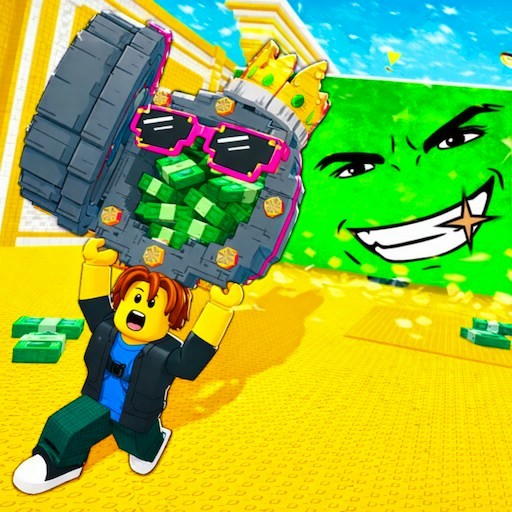
Baseball For Brainrot puts a throwing action into a bright 3D field. Playgama describes breaking lucky blocks, collecting creatures, building a base, and surviving a zombie threat. The first part is directly visible in our desktop check: we walked into a yellow throwing zone, pressed E to bring up a power meter, and clicked in its green range. A block launched across the field. We did not confirm a reward, base upgrade, or zombie round, so those are the provider's longer-game goals rather than steps completed in this test.
The opening action depends on position and timing. Before worrying about what a block might contain, get your character into the marked area and see how the meter behaves. A short attempt near the green zone teaches more than repeated clicks from outside the throw spot. The game may continue into a collection loop after the launch, but our evidence stops at the visible throw. Watch for the game's own result screen or pickup prompt before assuming a creature has been added to your base.
The Meme Behind Baseball For Brainrot
This is an odd pairing of a baseball-style power bar with Brainrot lucky blocks. The appeal is not a realistic batting simulation; it is the anticipation of what a timed throw might open. That makes it different from the site's racers and tile puzzles, even though some collection goals overlap with other Brainrot games. The art is colorful and the first control sequence is easy to read once you find the yellow zone.
How to Play Baseball For Brainrot
Press Play on this page, then Let's Play in the Playgama frame. A platform ad may run before the field appears. On desktop, use W to walk toward the yellow throw zone. Once inside, press E. A power meter appeared in our check; click when its marker is in the green area to launch the block. The visible launch confirms that the timing step accepted input. Move the camera or character only as the game's own prompt asks after that, because we did not establish what input claims the resulting reward.
If E does not open the meter, check that you are actually inside the marked zone and that the iframe has keyboard focus. Click in the game area after an ad if necessary. Reload above the player starts the embedded game again. Playgama advertises desktop and mobile access, but the physical-phone movement and timing controls were not tested. Do not use the desktop key sequence as a promise for a touch device.
Controls
- Play here, then Let's Play in Playgama; wait for any platform ad.
- Desktop check: W enters the yellow throw zone, E opens the meter, and a click in green launches the block.
- Reward collection, base building, and zombie controls were not tested.
- Physical-phone controls were not checked.
Tips & Tricks
- Find the yellow zone before trying the interaction key.
- Press E only once you are standing in the marked area.
- Watch the meter and click in its green range rather than clicking immediately.
- Look for a result or pickup prompt after launch before moving on.
Why Play Baseball For Brainrot Here
This one gives you a compact skill check: walk into position, open the meter, and time a launch. We saw that sequence work on desktop. The collection and survival parts advertised by the provider could add reasons to keep playing, but their quality is not established by a single throw. Try the next step yourself before deciding whether it earns a permanent place in your favorites.