About Italian Brainrot Jigsaw
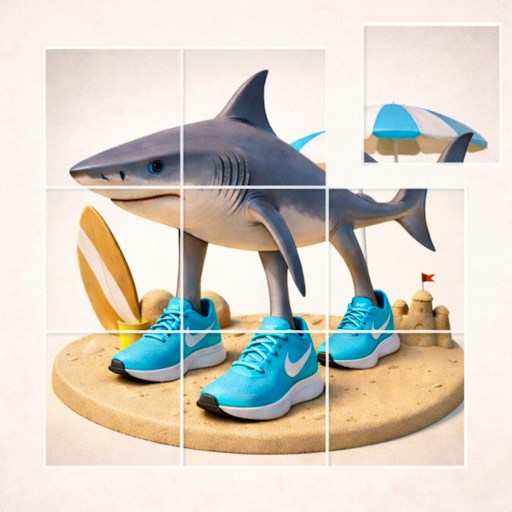
Italian Brainrot Jigsaw is a traditional piece-fitting puzzle with a chaotic picture choice. The official GamePix page lists 15 images and four sizes: 16, 36, 64, and 100 pieces. In the desktop check, the first image and 16 Pieces opened a timed board. After the countdown, separate pieces appeared; dragging one from the side moved it onto the board. That is a more hands-on task than a slider or tile-swap puzzle, because you must inspect individual edges and carry pieces into place. The check stopped before a confirmed snap or completed picture, so it does not prove a finishing time.
Difficulty changes what you need to pay attention to. Sixteen pieces are enough to see the whole workflow without spending too long sorting. At 64 or 100, you have many more similar colors and shapes to compare, and a familiar image can still take time. Pick the smaller board first if you want to learn how the drag feels, then return to the image grid for a bigger challenge. The timer makes the session measurable, but it is also fine to treat the first attempt as practice rather than chase a record.
The Meme Behind Italian Brainrot Jigsaw
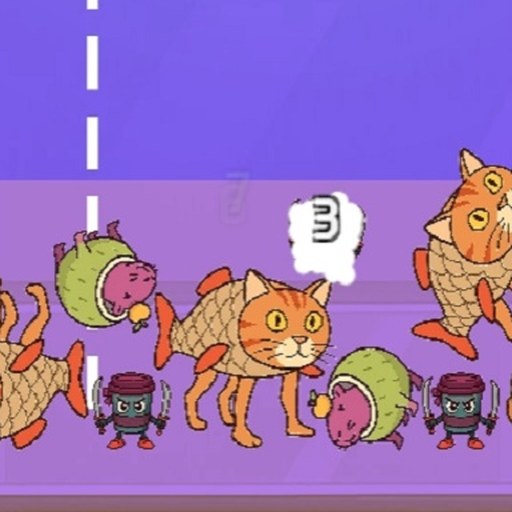
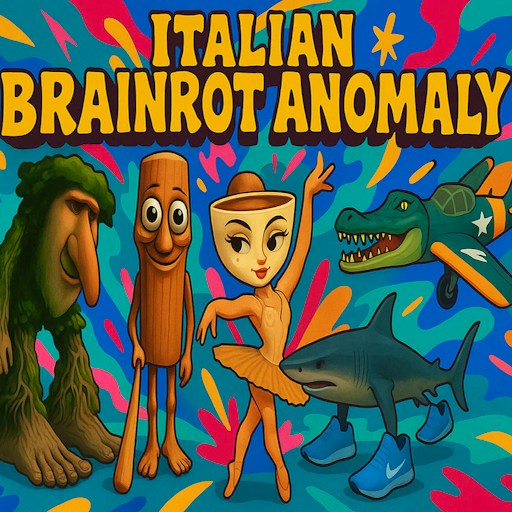
The pictures give the jigsaw its Brainrot identity. A character image that is instantly recognizable as a thumbnail becomes harder to read when it is scattered into irregular fragments. That shift from quick recognition to patient reconstruction is the main appeal here, especially if you want a quiet task between action games.
How to Play Italian Brainrot Jigsaw
Press Play on this page, use the GamePix Play button, then select the game's triangle start icon. Choose an image and a piece count. The tested route used the first image and 16 Pieces. After the countdown, drag a piece from the scatter area onto the board. The piece visibly moved in the desktop test. To solve a jigsaw, start with obvious corners or edge colors, then compare internal shapes and bits of the picture. We did not confirm automatic snapping behavior, so watch the game itself for placement feedback rather than relying on a claimed snap mechanic.
If the higher difficulties feel cramped, return to a smaller puzzle before assuming the controls are broken. The official page describes mouse dragging on desktop. GamePix also labels this game mobile-friendly, but dense pieces on a physical phone were not tested. Use the Reload button above the player when you want to restart the embedded game from its initial menu.
Controls
- Play, the game's triangle button, an image, and a piece count open the board.
- Desktop check: a mouse drag moved a scattered piece onto the board.
- The provider lists 16, 36, 64, and 100 pieces; start with 16 to learn the layout.
- Physical-phone dragging was not checked.
Tips & Tricks
- Begin with 16 pieces to learn the board and drag distance.
- Separate obvious border shapes before comparing similar interior colors.
- Use distinct character details as anchors when the background looks repetitive.
- Do not judge a placement solely by where you release the mouse; wait for visible game feedback.
Why Play Italian Brainrot Jigsaw Here
Choose this puzzle if you want the familiar drag-and-fit action of a jigsaw instead of another sliding tile game. The timed 16-piece board and piece movement were seen working on desktop. A solved picture, personal-best record, and touch handling remain unverified in this entry.