About Italian Brainrot 3D Puzzle
Italian Brainrot 3D Puzzle lays out chunky jigsaw pieces with raised edges and angled faces. The opening board contains six pieces in a 2×3 layout. Rather than tapping flat squares to exchange them, you can drag a piece through the scene and compare its image details with the rest.
The first picture includes a monkey face and sections of a banana-themed character. Those recognizable details help you decide where to begin. A timer, level label, and board-size indicator sit above the puzzle; a row of round controls below it provides reference and help options. Wait for the picture to finish loading before moving a piece.
The Meme Behind Italian Brainrot 3D Puzzle
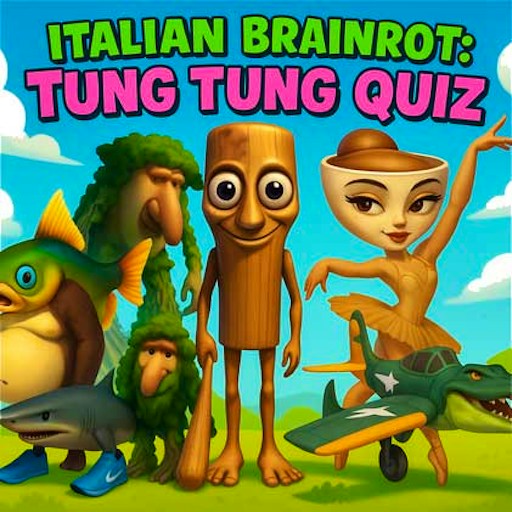
The picture puzzle uses the unusual animal hybrids of Italian brainrot as its subject. Matching a face, a piece of fruit, or a stretch of background gives you several visual clues at once. The raised pieces change how the picture looks while it is scattered across the board.
How to Play Italian Brainrot 3D Puzzle
Select play game on the title screen. Wait for the loading spinner to give way to the six visible pieces in Level 1.
Click and hold a piece, move it toward the position you want, and release. The monkey-face piece is easy to recognize when practicing your first drag.
Use the eye control to consult the reference picture, as described by the in-game Help panel. Compare distinctive details before moving another piece.
Open the i button if you need the control guide. Close that panel with its X to return to the board. The bottom speaker button changes the displayed sound setting.
Controls
- Mouse drag: Move a puzzle piece.
- Eye icon: Reference-picture control described in Help.
- i button: Open the help panel.
- Speaker icon: Toggle the sound setting.
Tips & Tricks
- Start with an obvious face or a large color boundary.
- Move one piece at a time so you can track what changed.
- Compare the printed image as well as the shape of the piece.
- Use the small opening board to learn dragging before changing difficulty settings.
Use the reference picture as a destination
The opening board displays six pieces in a two-by-three arrangement. Before dragging, pick one distinctive detail, such as the monkey face observed in the desktop check. Compare that detail with the reference information described by the game's Help panel. A recognizable face gives you a stronger placement clue than a small patch of background color that might fit several positions.
The eye control is identified in Help as the way to consult the final picture. Use the current interface to check that reference, then return to the board with one placement in mind. You do not need to memorize the entire image at once. Remembering where one distinctive feature belongs is enough to guide a deliberate next move.
Watch what both positions do after a drag
Hold a piece, move it toward the intended location, and release. Then inspect the place it left as well as the destination. The record confirms that the monkey-face piece changed position; it does not establish every placement rule or a completed board. Do not assume that a piece snaps permanently into the correct position, that incorrect placements are rejected, or that every move behaves like another game's swapping system.
Build your understanding from those visible changes. If a piece goes somewhere unexpected, repeat a short, clear drag with an easy-to-identify tile. A small target, an unfinished drag, and a misunderstood placement rule can all look like the game ignoring you. Separating those possibilities gives you a better next action than rearranging several pieces rapidly and losing track of the original state.
Use the help panel without losing your place
The i button opens Help, and its X returns you to the puzzle. When you open it, note the piece you were considering so you can resume the same question afterward. Instructions are most useful when they answer a specific problem, such as whether you should drag or click. Closing the panel and testing that one instruction is a more effective way to learn than trying every button at once.
The bottom speaker changed to a crossed-out display during the existing check. That confirms a setting change, not an independent assessment of all sound output or platform advertising. Similarly, the six-piece opening is evidence about Level 1, not the total number or difficulty of later boards. The complete image was not recorded as solved in this check. Treat this page as an introduction to reading and manipulating the first puzzle, with completion and real-phone input left unverified.
Why Play Italian Brainrot 3D Puzzle Here
This is a slower, visual task with no need for continuous movement or a chase timer. The raised pieces offer a different presentation from a flat sliding puzzle, while the opening six-piece layout keeps the first board easy to inspect.