About Tung Tung Sahur: Reassembled
Tung Tung Sahur: Reassembled is a sliding picture puzzle with one empty square. You do not swap any two pieces freely. A move brings a neighboring tile into the gap, which relocates the empty square and changes which move is possible next.
The menu offers 3×3, 4×4, and 5×5 dimensions, plus three character pictures. In the checked 3×3 game, the complete image appeared briefly before the board shuffled. Eight picture tiles then surrounded an empty position. Clicking the tile immediately beside the gap moved it into that position, leaving a new gap behind.
The Meme Behind Tung Tung Sahur: Reassembled
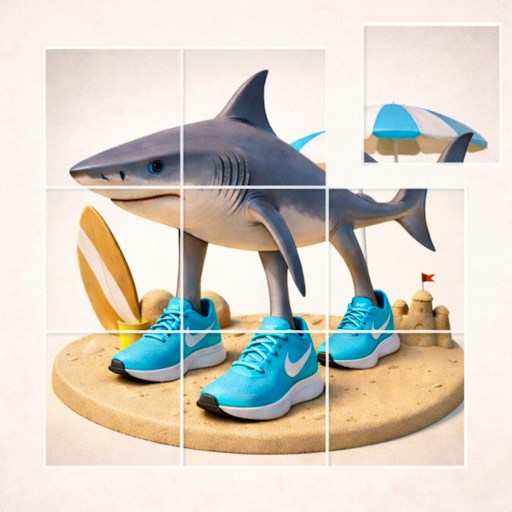
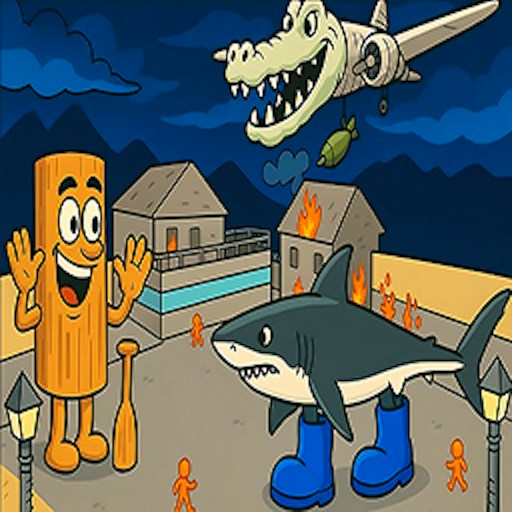
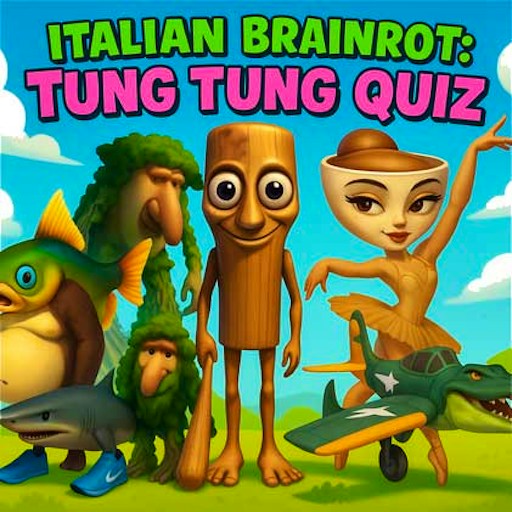
The picture choices show Tung Tung, a cup-headed dancer, and a sneaker-wearing shark. Distinct features such as eyes, shoes, and the wooden body are useful landmarks when deciding where a tile belongs.
How to Play Tung Tung Sahur: Reassembled
Choose a dimension and a character image on the opening menu. Begin with 3×3 if you are learning the movement rule.
Select Play and look at the complete reference picture before it shuffles.
Find the empty square. Click a tile sharing an edge with it to slide that tile into the gap.
Plan the next few positions of the gap, not just the destination of one tile. Continue arranging neighboring picture details until the image is restored.
Controls
- Mouse click: Choose a grid size, picture, or the Play button.
- Click an adjacent tile: Slide it into the empty square.
Tips & Tricks
- Study the reference image before the shuffle finishes.
- Use a recognizable face or outline as your first landmark.
- Moving a piece away temporarily may be necessary to bring the gap around it.
- Start with the smallest board before selecting a larger grid.
Plan where the empty square needs to go
Only a tile sharing an edge with the blank space can slide into it. That makes the empty square a tool you must position, not simply a missing piece to fill as quickly as possible. Before clicking a tile, identify where the blank will be afterward. Then ask which useful move that new position will allow. Thinking two moves ahead is often more informative than trying to push a distant tile directly to its final location.
Begin with the checked three-by-three option while learning this rule. The four-by-four and five-by-five options create more pieces to track, but the current record does not establish a solved example at those sizes. Starting small lets you compare a short sequence of adjacent moves with the reference picture without trying to remember many similar fragments at once.
Use recognizable picture features to set a local goal
Before the image shuffles, notice a feature that will be easy to recognize later: a face, a strong outline, or a corner with distinctive artwork. After the shuffle, locate that piece and identify where it belongs. Do not immediately move every other tile in an effort to place it. First find the blank and trace a short route that can bring it beside the target piece.
Once a small area looks useful, consider how your next sequence will affect it. Sliding a tile necessarily moves the gap elsewhere, and a route that helps one piece may disturb another. That is the central planning problem. This guide does not provide an unverified universal solve sequence or claim that the game locks completed rows. Follow the visible arrangement and work with short sequences whose effects you can track.
Do not apply a swap-puzzle rule to this board
Brainrot Puzzle and other picture games in the catalog can look similar while allowing direct swaps between occupied positions. Reassembled's checked interaction is different: a neighboring tile slides into the empty square. If a distant tile does not respond, that may be the expected rule rather than a broken mouse input. Check adjacency before trying another click.
The menu also provides picture choices, so confirm which reference image you selected before solving from memory. A character change does not establish a change in the movement rule, but it does change the visual clues you are arranging. The existing test verified the menu and an adjacent slide, not a full restored image or a tested minimum-move solution. No in-game sound control was confirmed, and physical-phone play remains a separate compatibility question. Use this introduction to understand legal moves first; a speed or move-count challenge only becomes meaningful once those moves are predictable.
Why Play Tung Tung Sahur: Reassembled Here
The empty-square rule turns a picture puzzle into a route-planning task. A tile may be close to the right location yet still require several moves to reach it.