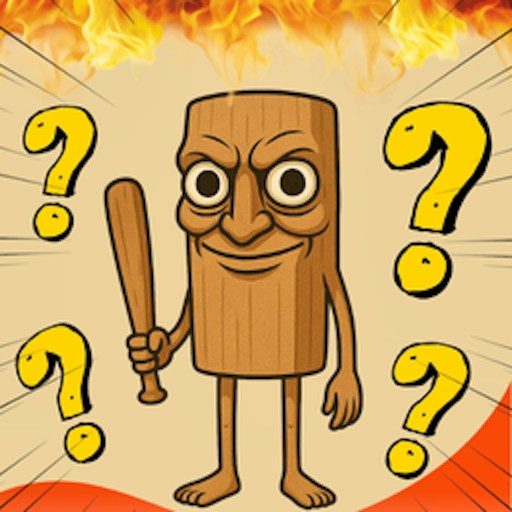
About Tung Tung Tung Sahur Who Is?
Tung Tung Tung Sahur Who Is? makes the meme cast into a picture quiz. Instead of steering Tung Tung through a level, you inspect a character and choose one of four names. The tested first question showed four choices, including Cocofanto-Elefanto. Selecting that answer raised the score from 0 to 100 and brought up another question. That progression gives a clear objective: recognize the figure, choose the name, and see whether the next image is familiar. The check did not establish the full question pool or a final score screen.
The useful trick is to read the picture before scanning the answers. Brainrot names can look similar when you skim them quickly, especially if several options sound deliberately absurd. Identify one visual feature first, then match it to a name. If you already know the cast, this becomes a quick recognition challenge. If you do not, a wrong guess still tells you which names and designs you need to learn. The official description calls the experience silent; we did not independently measure the game's audio, so sound is not part of our play advice.
The Meme Behind Tung Tung Tung Sahur Who Is?
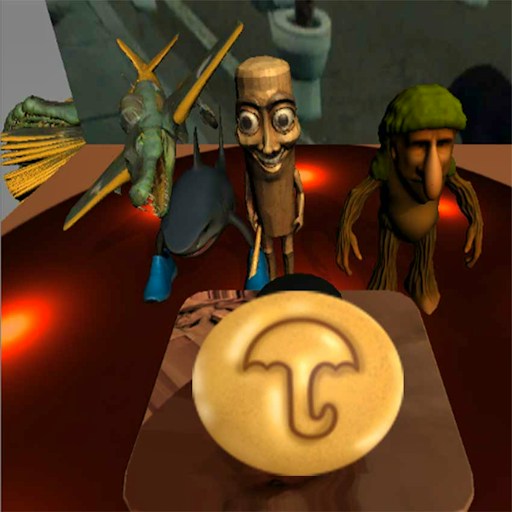
The wooden Tung Tung figure frames a quiz about a larger crowd of surreal characters. The fun is in whether you can put a name to a strange face, not in inventing a plausible answer to a normal trivia question. Its four-choice layout also makes it a short-session alternative to longer survival and driving games in the library.
How to Play Tung Tung Tung Sahur Who Is?
Click Play on this page, then use the GamePix Play button and the game's own PLAY button. Wait for the first character and four answer names. Click the name that matches the visible figure. In the desktop check, Cocofanto-Elefanto was the correct first selection and the score increased by 100; do not assume the same question order in every session. When the next image appears, reset your attention to the picture before reading the options.
Use the score as immediate feedback rather than trying to memorize an unverified level count. If a click does not register, ensure the embedded frame is active and let it finish loading. The site Reload control starts a fresh player session. GamePix lists mouse or fingertip answer selection; only the desktop mouse path was exercised for this entry, and a physical phone was not checked.
Controls
- Play here, GamePix Play, and in-game PLAY open the four-answer quiz.
- Desktop check: click a named answer; the correct first answer increased the score to 100.
- GamePix lists fingertip selection, but a physical-phone answer was not tested.
Tips & Tricks
- Look for a character's most distinctive shape before reading the four names.
- Read each option fully; similar-sounding Brainrot names are easy to mix up.
- Use the score change and next question as feedback after each selection.
- If you want to retry from the beginning, use Reload above the player.
Why Play Tung Tung Tung Sahur Who Is? Here
This is the most direct character-recognition pick in the five-game batch. Its first scored answer and transition to a new question were actually observed. It suits players who would rather make quick choices than learn a movement scheme; total rounds, audio behavior, and phone input remain outside the recorded check.