About Italian Brainrot Tung Sahur
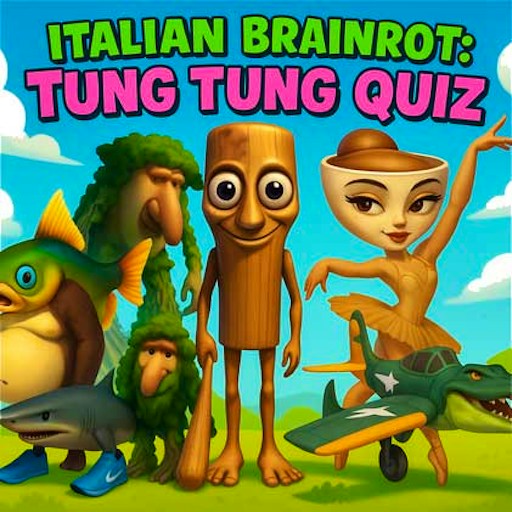
Italian Brainrot Tung Sahur is a picture quiz built around recognizing characters rather than moving them. Each question presents a character image and four possible names. The game works best if you pause long enough to inspect the picture before reading the options. Similar-sounding names are part of the challenge, so guessing from the first familiar word can be less reliable than comparing the full name with the image.
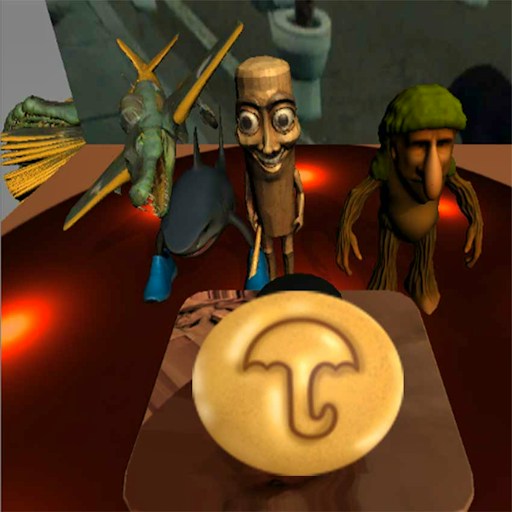
In the checked desktop round, the game opened to a PLAY button and then showed a question featuring Trexo Durexo. Selecting Trexo Durexo turned the answer green and raised the score from 0 to 50. That confirms an actual scored answer, not merely a loading screen. The check did not run through the entire quiz, verify a final score or test the speaker control visible in the game.
Name That Brainrot Character
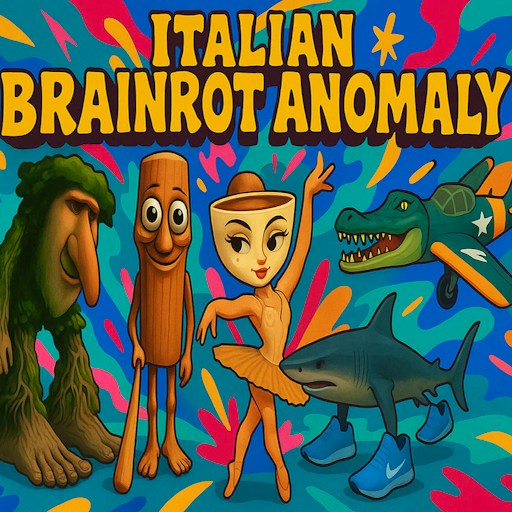
The joke here is how many absurd names and character designs you can keep straight. Tung Tung Sahur is part of the wider theme, but a single question can feature another creature entirely. The picture in the current round determines the answer.
How to Play Italian Brainrot Tung Sahur
Start the official GamePix player. Use the in-game PLAY button when the title screen appears.
Look at the central character picture. Identify its distinctive shape or accessories before choosing a name.
Read all four answers, then click the name you think matches the picture. A correct choice in the checked round turned green and increased the score.
Continue with the game's next prompt when it appears. Check the on-screen score for feedback rather than assuming each answer is worth the same amount.
Controls
- Mouse click: Start the quiz and select one of four answers.
- Score display: Shows the running result; the checked answer raised it from 0 to 50.
- Speaker icon: Visible in the game, but its sound behavior was not tested.
Tips & Tricks
- Compare the full image with every choice before committing; several Brainrot names share repeated words.
- If you do not recognize a character, use the remaining options to narrow the choice instead of clicking at random immediately.
- After an answer, wait for the color and score feedback before trying to select another option.
Read the picture before the answers
The title can bias your guess toward Tung Tung Sahur even when the current image shows a different character. In the observed first question, the pictured character was Trexo Durexo. A useful routine is to identify one or two visual features before you look at the names. Then compare those features with all four choices. This slows down an impulsive click and makes the question a recognition challenge rather than a title-matching trick.
Do not assume that a familiar word in an option makes it correct. Brainrot naming is intentionally repetitive, and near matches can look plausible. Reading to the end of each name is particularly helpful when several choices begin with similar sounds. If you are unsure, eliminate the least plausible pair first and use the remaining two for a closer comparison.
Use feedback instead of memorizing a fixed score
The verified answer changed color and moved the score from zero to fifty. That is reliable evidence for one correct response in the tested version. It does not establish that every answer is worth fifty, whether speed changes points or how the game treats mistakes. Look at the actual score after each selection. If it moves differently, the current round or version may use rules the opening check did not cover.
Wait for the question to advance before clicking again. Rapid repeated clicks can make it hard to tell which answer the game accepted, especially inside an iframe that has just gained focus. A deliberate first click also helps you distinguish a quiz response from a provider overlay or a browser permission prompt. Those overlays are outside the answer choices.
Choose trivia when you want a different pace
This page does not claim a complete character list or a verified final question. As the quiz continues, use the current image and its four options rather than a list copied from a previous version. A picture-based game can introduce unfamiliar characters, and that uncertainty is part of the play. The opening desktop test demonstrates the format and one scored answer only.
Compared with the site's runner games, this quiz asks for recognition, not fast lane changes. Compared with a spot-the-difference puzzle, you make one named choice from a limited set rather than scanning two whole pictures for subtle edits. Pick the kind of attention you want before you press Play.
Why Play Italian Brainrot Tung Sahur Here
This is a good pick when you want to test your Brainrot character memory without a timed chase or complicated controls. A single round is enough to understand the format, and the score gives a clear result for a correct answer.