About Italian Brainrot Extreme Highway
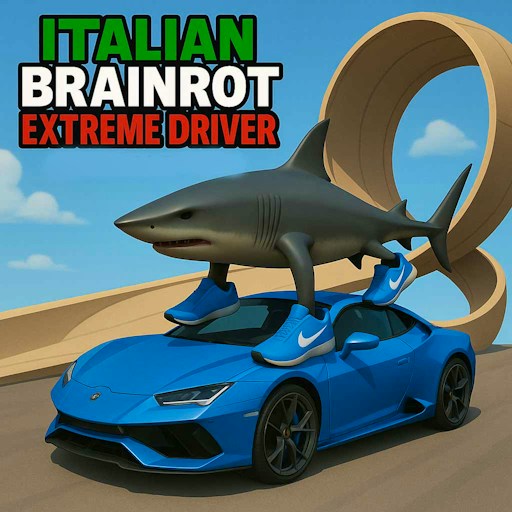
Italian Brainrot Extreme Highway is a road-driving game with a different rhythm from a lap race. The tested opening presents a car selection and a route setup before the action begins. We chose One Way and Sunny, then held the Up arrow on desktop: the speed display rose from 0 to 45 while distance reached 0.25. That visible response establishes acceleration in an active highway scene. It does not establish a finish line, a collision rule, or a completed run, so treat the distance meter as the clearest early measure of progress.
The road is the interesting part. Traffic gives you a moving problem to read while the car gains speed. A car that feels easy to control at zero may be harder to place accurately after you accelerate. Use the first stretch to see how fast the scenery and traffic approach before trying to push the meter. The mode selector offers choices such as One Way, and the opening also displays weather options. These selections make the first run approachable: you can begin with the mode observed here, then explore other settings once you know what the controls do.
The Meme Behind Italian Brainrot Extreme Highway
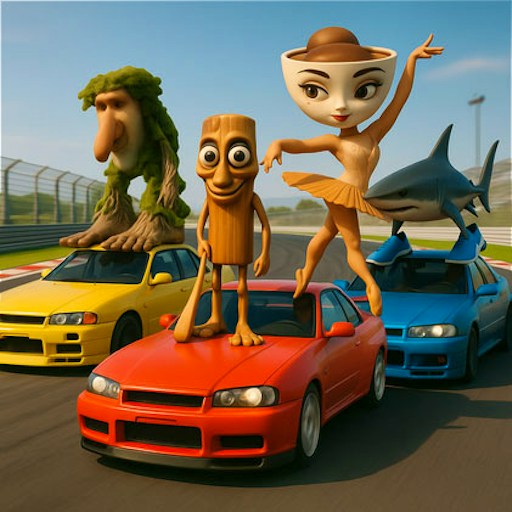
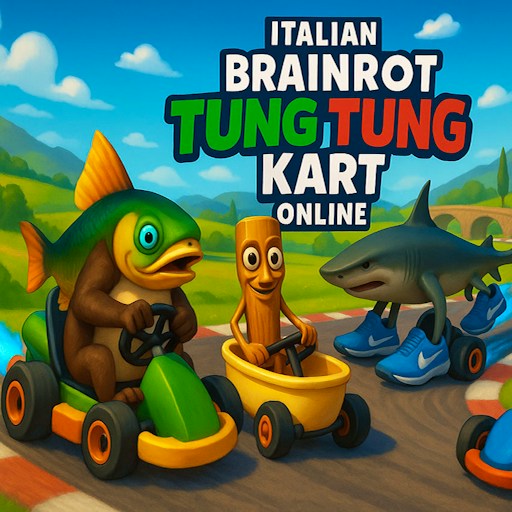
The exaggerated Brainrot characters and vehicles lend a silly look to an otherwise familiar highway-driving loop. This is closer to weaving through traffic for distance than the site's Brainrot Tung Tung Racing, where the checked Level 1 shows laps and a position in a five-car field. Choose based on the goal you want: a flowing road here, or a structured race there.
How to Play Italian Brainrot Extreme Highway
Click Play here, then Play the Game in the embedded player. Continue through Select Car and Next, choose One Way, and pick Sunny for the route tested on desktop. Once the road appears, click inside the frame and hold the Up arrow. Watch the speed and distance indicators to confirm that the game has taken keyboard focus; in the check they changed to 45 and 0.25. GamePix broadly describes arrow-key steering and a Space ability, but the direct test only established Up-arrow acceleration. Follow any in-game prompts for steering and other actions rather than assuming they were verified by this listing.
Start with a short acceleration. If the car drifts toward traffic, release the key and regain a clear sense of its position before speeding up again. The interface offers additional road choices, but the test did not compare their difficulty. A reload above the player restarts the official iframe; use it if the game loses focus or you want to choose a different car and route from the opening screens.
Controls
- Play the Game, Select Car, Next, One Way, Sunny reached the tested road.
- Desktop check: holding Up arrow increased speed and distance.
- GamePix lists other arrow-key driving and a Space action; those were not individually confirmed here.
- Touch steering on a physical phone was not tested.
Tips & Tricks
- Use One Way and Sunny to reproduce the opening route checked here.
- Watch speed and distance separately: they answer different questions about your run.
- Learn how the car responds at low speed before threading a tight traffic gap.
- If the arrow key scrolls the page, click inside the player to restore game focus.
Why Play Italian Brainrot Extreme Highway Here
Pick this game for a continuous driving challenge where the first visible feedback is speed and distance, not lap position. It is a useful change of pace from a circuit racer. The desktop check did not measure crashes, scoring, later modes, or touch steering, so those details are left for play rather than presented as tested facts.