About Italian Brainrot Racing Multiplayer
Italian Brainrot Racing Multiplayer puts oversized meme characters on cars and sends them onto a racing circuit. The game has separate single-player and multiplayer entries. The single-player route lets you choose a track and vehicle before joining a starting grid with other cars.
The opening track selection shows a three-lap Race Track with a drift label. During play, the interface displays time, lap count, position, and a speedometer. Those instruments make the immediate task clear: get the car moving, learn the circuit, and keep control through the corners.
The Meme Behind Italian Brainrot Racing Multiplayer
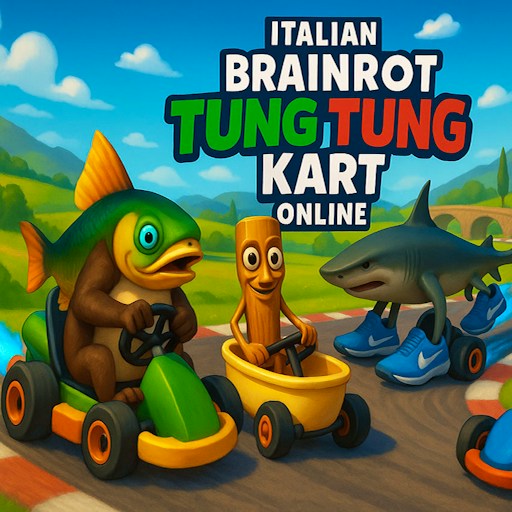
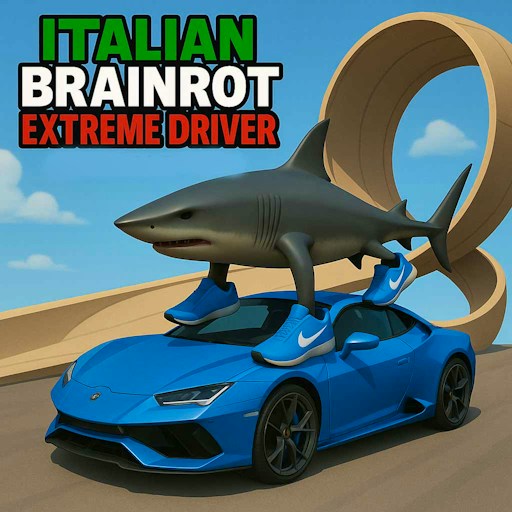
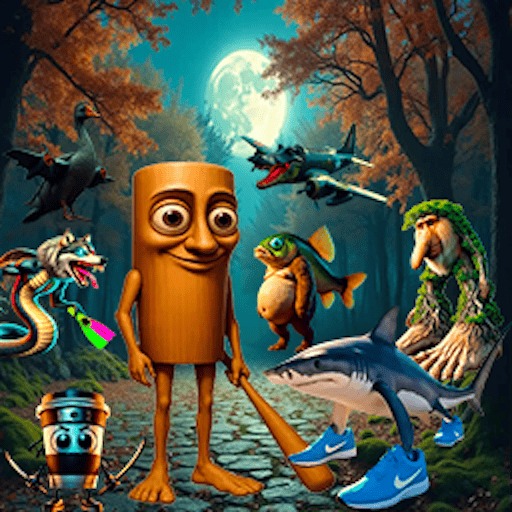
A shark wearing blue shoes sits above the starting PG86 mk2 car, while other brainrot figures appear on vehicles nearby. The character designs bring the visual joke, but your attention still belongs on the road. A familiar silhouette on the car will not help if you enter a corner without room to steer.
How to Play Italian Brainrot Racing Multiplayer
Click the opening Press any key screen to continue. If the game asks for a nickname, accept the displayed name with APPLY or enter your preferred name. Choose SINGLEPLAYER to follow the checked start sequence.
Use SELECT on the track card, then choose a vehicle. The initial PG86 mk2 is available without earning additional game currency. Press its SELECT button and wait for the starting countdown.
Hold the up arrow to accelerate. Use the left and right arrows to steer, and watch the speedometer as the car begins moving. Learn the first corner before trying to maintain a high speed around the whole circuit.
Use the lap counter to follow your progress around the track. The opening session is labeled 1/3, so reaching the start line once is not the entire event. If you lose your bearings, look for the road markings and track boundaries rather than following another car without checking your own line.
Controls
- Up arrow: Accelerate.
- Left / right arrows: Steer.
- SELECT: Confirm the track and vehicle.
- Pause icon: Access the in-race pause screen.
Tips & Tricks
- Begin in single-player mode to learn the start sequence and car handling.
- Watch the road beyond the hood, especially when approaching a bend.
- Get comfortable with the starting car before comparing other vehicles.
- Use the speedometer and lap counter to read progress; character animation alone is not a reliable guide.
Learn one circuit before comparing cars
Use the single-player route to establish a clear reference: the selected circuit, the selected vehicle, and the controls you intend to try. Starting from the same combination makes it easier to understand whether a change in your steering helped. Choosing a new car after every difficult corner adds another variable before you know how the starting car responds. The available vehicle menu is not evidence that every option has been tested or that its displayed differences have been measured here.
Watch the road ahead of the hood. Near a bend, look for the direction in which the track continues, make a short steering adjustment, and inspect the new position. Holding the key longer is a separate experiment. This guide does not establish a particular braking key or drift combination, so follow the version's current control instructions before trying techniques borrowed from another racer.
Read the instruments together
The speedometer tells you something about movement; the lap counter and position tell you different things about the race state. A moving car is not proof that it has completed a valid lap. Keep the displayed race information in view as you learn the circuit, especially when a route branches visually or a car leaves the obvious line. Use the pause icon if you need time to inspect the interface instead of continuing to steer while guessing.
The track card's three-lap description and drift label describe the selected format. They do not establish an optimal drifting strategy or a measured lap time. For an early attempt, success can mean understanding the start sequence and taking one corner more deliberately. Only after that is consistent does comparing whole laps become useful. The multiplayer menu remains a separate feature to verify with another participant; an active single-player grid should not be described as proof that online racing works.
Why Play Italian Brainrot Racing Multiplayer Here
This game offers a circuit-driving option alongside the site’s obstacle courses and escape games. Choosing a track and car gives each session a clear setup, and the racing HUD supplies useful feedback while you learn to steer. The single-player route is the best place to begin with this version.