About Tung Tung Sahur LOL Face
Tung Tung Sahur LOL Face gives you a large portrait covered with bright pink control points. Pick one, drag it, and watch the nearby features stretch with your movement. Pull an eye toward the edge, lift a cheek, or see what happens when two parts of the face end up unusually close together. The result stays visible when you release the mouse.
This is a freeform visual toy rather than a timed question or a race. You choose the expression you want to make, and the picture supplies immediate feedback. A vertical row of character portraits appears beside the editing area, with reset-style, camera, and download controls around it. The face handles are the simplest place to begin; you do not need the export controls to play.
A Face You Can Reshape
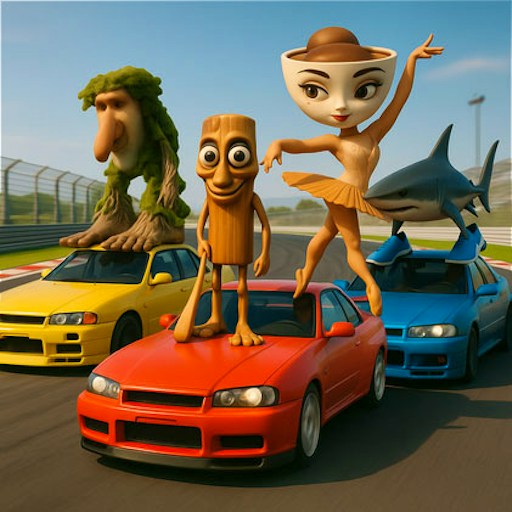
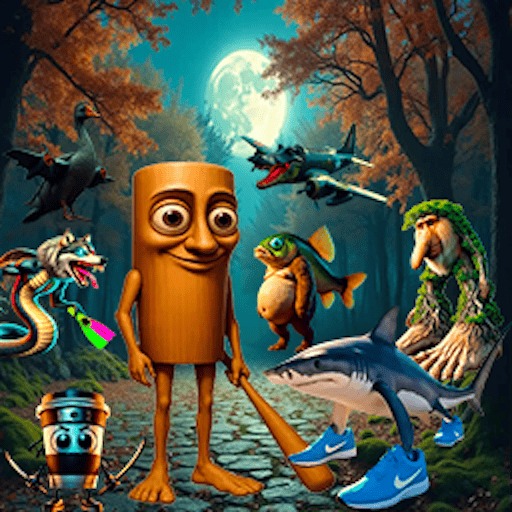
The wooden character's enormous eyes and grin become the material for your edits. Moving those familiar features can make a surprisingly different expression without needing drawing tools or a blank canvas.
How to Play Tung Tung Sahur LOL Face
Start the official player and allow its separate data check to finish. The face editor appears after this loading step.
Place the pointer on a pink dot, hold the mouse button, and drag. Release when the feature reaches the position you want.
Try a short pull near an eye first. Compare the result before moving another point so you can tell which handle affects each area.
Use the speaker in the bottom-right corner to toggle game sound. The off state is red and has a line through the speaker.
Controls
- Mouse drag: Move a pink control point and distort the face.
- Mouse click: Use the editor's visible buttons.
- Bottom-right speaker: Switch game sound on or off.
Tips & Tricks
- Small changes make the effect of a control point easier to understand.
- Release the mouse between adjustments so you can inspect the expression.
- Avoid the camera and download buttons unless you want to explore those separate features; dragging works without them.
Choose one feature to change first
The pink control points give you several possible starting places. Pick one near a recognizable feature and move it a short distance. Release the mouse and inspect how the neighboring artwork changed. A small adjustment makes the effect of that point easier to understand than pulling it immediately to the far edge of the canvas.
Once you understand the first handle, choose a second with a different purpose. You might aim for an uneven smile, a raised cheek, or a stretched eye area. Those are creative goals, not scoring objectives. The checked interaction is a freeform visual toy with persistent visible distortion after release, rather than a timed challenge with a verified winning expression.
Build an expression through separate decisions
Pause between drags so you can decide whether the last change helped the expression you had in mind. Moving several handles continuously can make the result surprising, but it also makes it harder to understand which change produced a particular effect. If you enjoy the unexpected result, keep exploring; if you want a specific look, work in smaller steps.
Look at the relationship between neighboring features as well as the point under your pointer. Pulling one part of the image can affect the surrounding face. A narrow feature and a broad cheek may respond differently to a similar pointer movement. The guide does not prescribe a fixed mapping between drag distance and distortion, so use the visible result as your reference.
Keep editing separate from exporting
The interface shows camera and download controls, but the recorded check did not verify their output. You can make and inspect a distorted face without using them. If you intend to keep an image, test the export behavior with a simple change first and confirm where, if anywhere, the result is saved. Do not assume that an icon proves a file has been downloaded or that the website retains a copy.
The character portraits offer additional choices to inspect, but the current guide does not certify every portrait's controls or ownership rights for reuse. Playing with an image and having permission to publish it commercially are different matters. Recently played also stores only the game link, not your edited expression. Before leaving the canvas, treat persistence and export as unverified features rather than promises implied by the presence of a familiar-looking button.
Why Play Tung Tung Sahur LOL Face Here
Choose this game for a short creative break with direct mouse control. There is no route to memorize in the face editor: you can spend the session experimenting with one portrait and adjusting it at your own pace.