About Brainrot Bridge Race 3D
Brainrot Bridge Race 3D begins with four characters standing in a field of bananas. Ahead of them are colored bridge lanes and numbered obstacles. It combines movement with collection: before rushing toward the far end, you need to pay attention to what is scattered around your route.
The first level provides a simple place to learn the steering. Your starting character has a blue ring and a number above its head. Moving toward a banana changes that number from zero to one. The camera follows the character, keeping the player near the center while the surrounding field shifts. Use the ring and counter to track your own progress among the other runners.
The Meme Behind Brainrot Bridge Race 3D
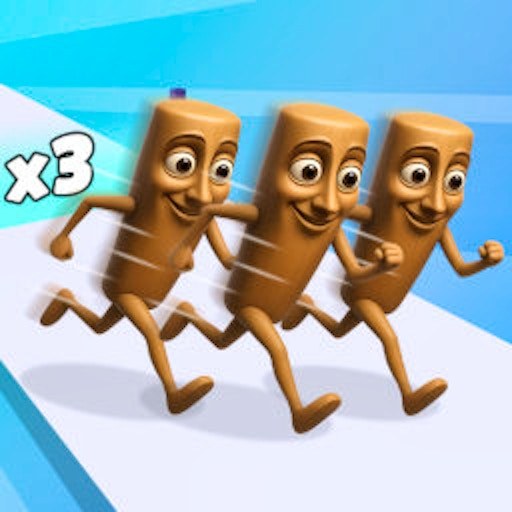
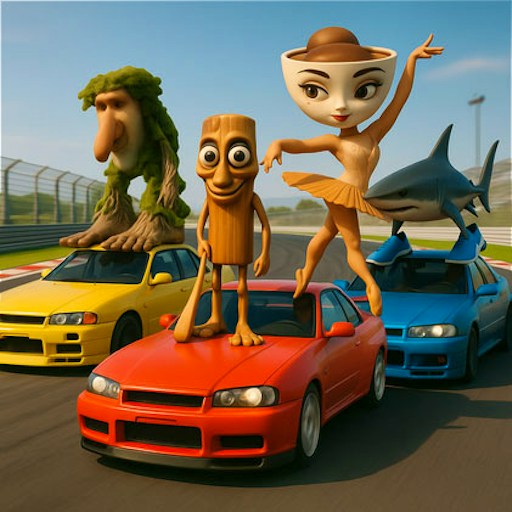
Tung's wooden figure becomes a small racer surrounded by oversized fruit and colorful paths. The broad shapes make the action easy to read: bananas mark collection opportunities, the player ring marks your position, and the lanes show where the race continues.
How to Play Brainrot Bridge Race 3D
Wait for both the platform loader and the game's own resource loading to finish. The title screen displays a yellow Start button over the field.
Click Start to open Level 1. At the Tap to start prompt, hold and drag the mouse in the direction you want to move.
Steer through nearby bananas and watch the number above your character. Collecting one should produce an immediate counter change.
Once you are comfortable steering, inspect the bridge lanes ahead and the numbers shown along them. The opening collection controls have been checked here; the complete crossing and finish sequence have not.
Controls
- Mouse hold and drag: Steer the player.
- Start: Enter the opening level.
- Top-left speaker: Toggle the displayed sound setting.
Tips & Tricks
- Collect nearby bananas while learning the steering rather than heading straight for a distant lane.
- Use the blue ring to distinguish your runner from the others.
- Make short changes of direction to avoid overshooting a small pickup.
- Video-marked bonuses are separate from ordinary bananas; read them before choosing one.
Connect steering with a visible collection
After Start, the Tap to start prompt leads into a drag-controlled movement scene. The useful opening experiment is to steer toward one nearby banana and inspect the number above the character. The documented desktop attempt moved toward the collection area and changed the count from zero to one. That ties the drag, the pickup, and the counter together without claiming a completed bridge crossing.
Start with a short drag and look at how far the character moves. A longer motion is easier to judge after you have a reference for a smaller one. If you miss the banana, adjust your position rather than assuming the counter is broken. The counter is evidence of a confirmed pickup; passing close to the artwork without a number change may not establish that the game collected it.
Inspect the bridge before committing to a route
The lanes ahead have numbers and a visible relationship to the collection area. Study those displays after learning movement. Ask what resources you currently hold and what the current game prompt says about entering a lane. The opening check did not establish the entire crossing rule or finish sequence, so this guide does not supply an invented banana cost for each bridge or a guaranteed fastest route.
A useful practice attempt separates collection from crossing. First gather a small visible amount and verify that the counter responds. Then approach the intended lane and observe what changes. If the number falls or the scene changes, note that specific relationship before attributing it to a general rule. Keeping the experiment small makes it easier to understand than collecting everything nearby and rushing forward without reading the feedback.
Allow the game's own loader to finish
There are two stages of loading: the provider player and the game's own resources. A website message saying the game window opened does not skip the internal loader. Wait for the yellow Start button over the field, then respond to the next prompt. Repeatedly reloading while resources are arriving can simply restart the same delay.
The visible other racers do not establish that the session contains human opponents. Nor does a crossed-out speaker icon establish that platform advertisements are silent. Both distinctions matter when choosing a game for a particular session. The existing evidence is a bounded desktop movement and collection check with a visible sound-setting change. Complete race results, other players' identity, physical-phone control, and independent audio output remain separate questions for further testing.
Why Play Brainrot Bridge Race 3D Here
The field gives you room to make small route choices instead of following a fixed jumping sequence. You can practice collecting and steering before committing to a bridge. The visible counter makes each early pickup easy to recognize.