About Brainrot Rush
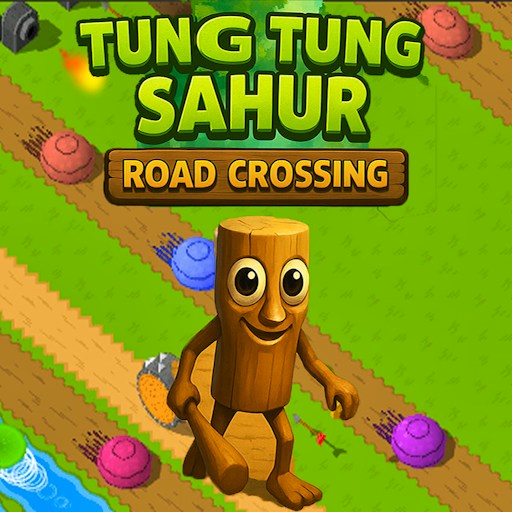
Brainrot Rush places Tung Tung Sahur on a bright, narrow running track. Purple obstacles interrupt the route, other characters appear ahead, and a rank indicator sits above the action. The portrait view keeps your attention on the next stretch of track.
The opening instruction is DRAG TO START. Holding and moving the mouse gets the run underway and changes the character's sideways position. Instead of learning several keys, you concentrate on how far to drag and when to move across the available space.
The Meme Behind Brainrot Rush
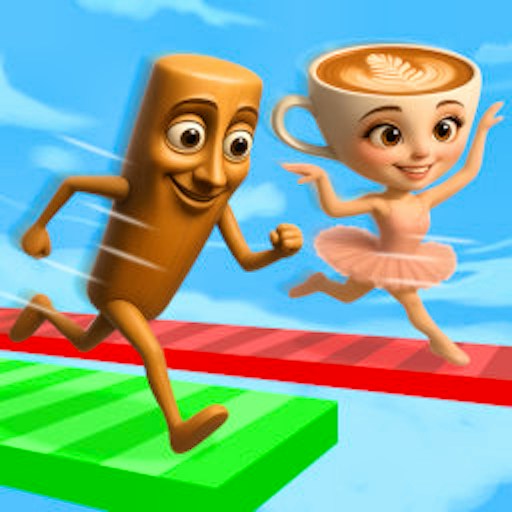
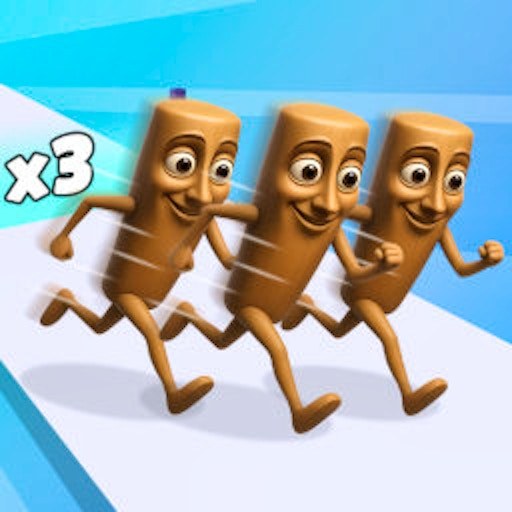
The wooden runner stands out against the white-and-pink course and its purple hazards. Seeing that stiff character travel through a crowded, colorful track is the central joke, while your part is to make the steering controlled enough to handle what comes next.
How to Play Brainrot Rush
Launch the game and wait for the portrait course with the DRAG TO START instruction.
Hold the mouse button inside the game and drag sideways to begin. Watch the character respond before making a larger movement.
Steer left or right as the next obstacles come into view. Keep most of your attention on the track; check the rank display when there is room to do so.
Controls
- Mouse hold and drag: Start the run and steer sideways.
- Left and right drag direction: Adjust the runner's lateral position.
- Rank indicator: Shows the position reported by the game during the run.
Tips & Tricks
- Use short drags first so that you can judge the steering range.
- Look ahead of the character rather than waiting for an obstacle to fill the screen.
- Avoid sweeping from edge to edge when a smaller adjustment would leave more room.
- The game uses a portrait canvas; empty space beside it on desktop is normal.
Learn steering range before chasing rank
The first useful experiment is a short drag across a small part of the game window. Watch the character's sideways displacement, release, and compare the position with the track edges. The recorded desktop check observed rightward and leftward position changes after dragging. It did not measure a fixed relationship between pointer distance and lane distance, so start with a modest motion rather than a sweep across the full screen.
The portrait canvas provides less sideways room than its surrounding desktop page might suggest. Treat the actual track as your reference. Empty space outside the tall game view is not another lane, and enlarging the webpage does not necessarily change the game's steering sensitivity. Keep your pointer movements centered on the playable area while you learn how much adjustment is needed to pass the next obstacle.
Choose the opening before the obstacle reaches you
Look a short distance ahead and identify a usable gap. Move toward it while the obstacle is still far enough away to inspect your result. Once the runner is aligned, avoid adding a second correction just because another part of the screen looks busy. Repeated large changes can make a simple gap harder to approach. A clear choice followed by a small correction is easier to understand than a continuous zigzag.
When a run ends unexpectedly, recall where the character was relative to the gap immediately before the failure. Was the first movement late, was the drag too large, or did you change direction twice? Pick one of those possibilities for the next attempt. This does not require a complete knowledge of the course. It requires a specific question that the next few seconds of play can answer.
Treat the rank display as feedback, not a verified ruleset
The RANK indicator is visible during play, but the observation record does not explain its calculation, establish a finish result, or prove that the other runners are human. Read it as the current game's reported position. Do not assume that a particular obstacle, collision, or character changes ranking in a predictable way without seeing that result repeatedly.
For an opening session, reliable sideways control is a more useful goal than an unverified promise of first place. Once you can deliberately take a gap, examine how the displayed rank changes around that action. Separate that observation from a claim about why it changed. This keeps practice focused on something you control and avoids confusing a lively racing presentation with confirmed multiplayer or competitive scoring mechanics.
Why Play Brainrot Rush Here
Choose Brainrot Rush for a quick movement challenge with a single main input. The narrow view and changing obstacles keep the next steering decision close at hand, while the rank display gives you another point to follow during the run.