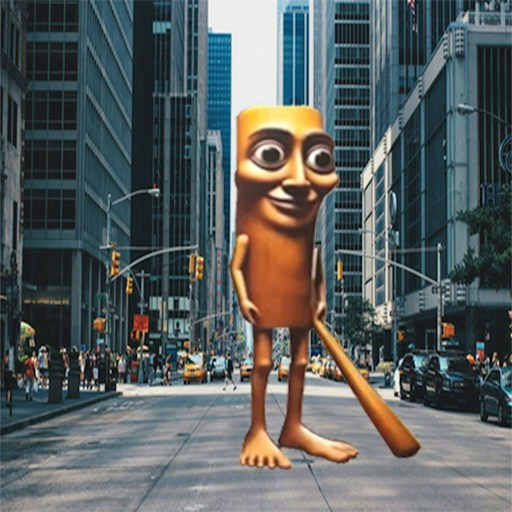
About Brainrot Tung Sahur Battle
Brainrot Tung Sahur Battle puts two characters in a wooden platform arena with cannons aimed across the screen. Tung Tung Sahur and Tralalero Tralala start at different heights while a countdown prepares the round. Once play begins, cannonballs cross the gaps and both players have a timer to watch.
The goal is to finish your countdown before the other character. According to the official rules, getting hit adds a second to your timer. Avoiding a shot therefore matters more than chasing your opponent. You are competing over time while sharing the same dangerous space.
The Meme Behind Brainrot Tung Sahur Battle
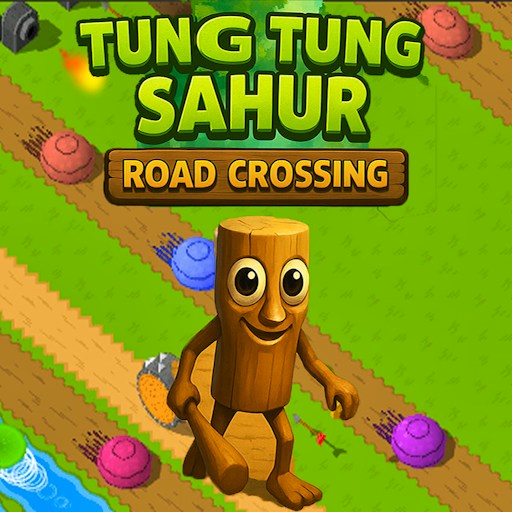
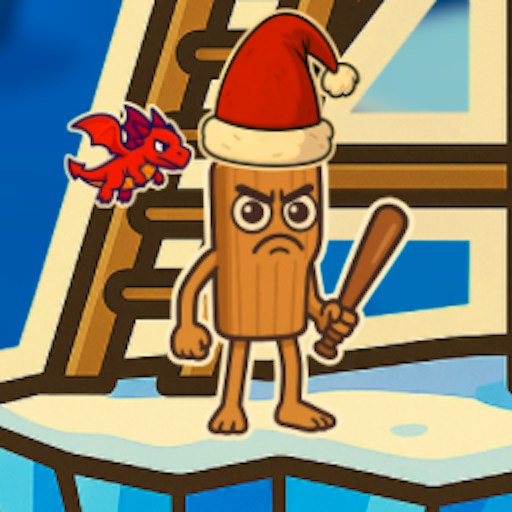
Tung brings his wooden body and club; Tralalero brings the shark shape and sneakers. Banana-monkey figures operate the cannons at the arena edges. The characters make the setup easy to read: two distinct players in the middle, with hazards coming from outside their immediate platforms.
How to Play Brainrot Tung Sahur Battle
Click the large orange play button on the title screen. Give the game keyboard focus and wait for the central countdown.
Use WASD and the arrow keys for the two characters. Agree with the person beside you which set each player will use before the round begins.
Watch the cannonballs crossing the platform gaps. Make short movements while learning how far a directional press takes your character.
Keep an eye on both timers. A safe position is useful only while it remains safe; follow the incoming shots instead of standing still for the entire round.
Controls
- WASD: One character control set.
- Arrow keys: The other character control set.
- Mouse: Select the title-screen Play button.
- On-screen arrows: Visible alternative controls; physical-phone use is not yet verified.
Tips & Tricks
- Watch the next incoming projectile, not just the one nearest your feet.
- Use the platform edges as reference points for small movements.
- Make sure both players can comfortably reach their keys before starting.
- Treat a timer increase as a reason to change position rather than rush into another shot.
Agree on the keyboard before the countdown
This page presents the game as a shared-screen contest with WASD and arrow-key control sets. If you are playing beside someone, decide which set each person will use before pressing the title-screen button. Leave physical room on the keyboard so that one person's hand does not interfere with the other. A readable shared screen and an agreed control assignment are more useful than trying to sort those choices out while cannonballs are already crossing the arena.
The existing observation directly checked Tung moving right with D. It did not independently complete the second control set or a full two-person match. Test each side's response with a short input at the beginning of your own session. If one character does not move, check focus and the current countdown before diagnosing the whole game as broken.
Follow the incoming shot, not just the opponent
Cannonballs travel across gaps between platforms. The next projectile's path can matter more immediately than the other character's position. Look from the side of the playfield toward the space you intend to occupy, then make a short movement. A location that was clear a moment ago may no longer be useful when another shot approaches. Standing still is therefore a choice to keep reassessing, not a permanent defense.
The provider's rules say that a cannonball hit adds one second to a player's timer, with the objective of exhausting your own timer first. That creates a different interpretation of the display from a conventional damage race. Do not assume that a larger timer is a reward or that chasing the other character is always the goal. Watch the counters and compare their changes with the current rule explanation.
Use the visible round to check the rules
If a timer changes unexpectedly, look at what happened immediately before it. A projectile passing nearby is not the same thing as a confirmed hit. Likewise, moving off a platform and colliding with a cannonball may have different consequences. The recorded check observed advancing timers and shots but did not verify every scoring event. Your first session is a chance to learn those distinctions before adopting a competitive strategy.
The on-screen arrows do not establish physical-phone support or comfortable two-player touch controls. A single phone screen introduces a different arrangement of hands and inputs from a desktop keyboard. Read the device note rather than assuming that a visible arrow makes that arrangement tested. Online matchmaking is also unverified; two characters sharing an arena are not evidence of two people connected over the internet.
Why Play Brainrot Tung Sahur Battle Here
The shared arena creates a compact competitive challenge without a long command list. The timer rule makes dodging the center of the game, and two clearly different characters help players track their positions during a busy round.