About Tung Tung Sahur Road Crossing
Tung Tung Sahur Road Crossing uses an angled overhead view of a grassy course cut by paths, rails, rocks, and moving hazards. The wooden character begins near the lower part of the scene. Your task is to choose when and where to advance while watching what is moving across the route.
Starting takes two steps inside the game. The title screen has a large GO button, then an instruction view shows another GO alongside a control reminder. Once the round begins, the active view includes a counter, a heart display, and pause and music icons. Pressing the up arrow moves the character and scrolls the course; the checked opening movement raised the counter from zero to one.
Tung Tung Takes the Crossing
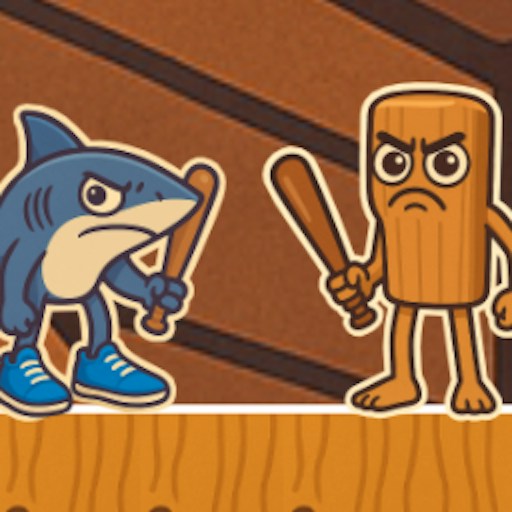
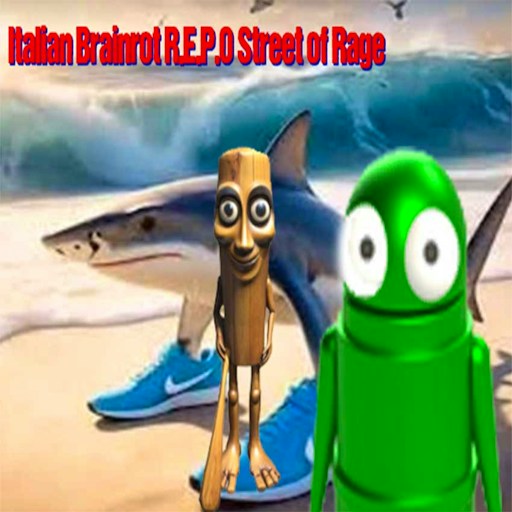
The wooden figure carries its familiar stick into a course of rolling and sliding obstacles. Its clear silhouette helps you keep track of it as the camera shifts across the terrain.
How to Play Tung Tung Sahur Road Crossing
Start the official player and let the title scene load.
Use the music-note icon if you want to change the game sound setting before playing. Its appearance switches between brighter and dimmer states.
Choose GO on the title screen. Read the control prompt on the following scene and select the second GO to begin.
Use the arrow keys to advance through the course. Watch the moving objects crossing your intended route before committing to the next step.
Follow the counter and heart display during the run. The shop is a separate menu option; you can begin the opening course without using it.
Controls
- Arrow keys: Move through the course.
- Mouse: Use GO and menu controls; the tutorial also offers clicking around to move.
- Music-note icon: Toggle the game's audio setting.
- Pause icon: Visible in the active round.
Tips & Tricks
- Let a moving hazard pass when its path overlaps the next space you want.
- Keep the view ahead of the character in focus as the camera follows your progress.
- Do not confuse the first GO with the start of active play: there is another GO on the instruction screen.
- Get comfortable with movement before exploring the shop or trying to reach distant coins.
Read the crossing before choosing a direction
The angled camera makes this course look different from a flat lane-crossing game. Use a fixed landmark, such as the edge of a path or a rock, to understand where one arrow press takes the character. A direction that feels sideways on the keyboard may look diagonal on screen. Establish that relationship on a clear patch before committing to a busy section. Repeatedly pressing several arrows at once makes it harder to tell whether a failure came from timing or from misunderstanding the view.
The opening check reached the instruction screen, started a run and moved the displayed counter from zero to one with an upward movement. That is useful evidence for the basic input, but it does not establish the scoring rules for every part of the course. Treat the counter as feedback to observe alongside your position. Do not assume each visible object is a collectible or that every successful crossing is worth the same amount.
Build a repeatable opening route
Spend your first attempt learning one short stretch rather than trying to discover the entire map. Pick a visible destination, watch the space between the character and the next hazard, then move deliberately. If an obstacle travels across the route, observe its movement before entering its path. A safe-looking gap in a still image may close while your character is moving. The useful question is whether the gap stays open long enough for the movement you actually need.
After a failure, repeat the same opening and change only the move that caused trouble. This gives you a clearer comparison than changing your direction, speed and destination together. Stop when you have reproduced a short section successfully; that is a better sign of learning than a single lucky advance. The visible timer and hearts can help you understand a run, but the desktop check did not establish every rule governing either display.
Choose it for short movement experiments
This is a reasonable choice when you want direct keyboard movement and a course to read rather than a long menu of upgrades. It is a weaker fit if you want confirmed phone controls or a guide to every later obstacle: neither is established by the opening check. Keep the game in a comfortable view where the surrounding route remains visible. If you change the window size, take a moment to locate the character again before your next movement.
Why Play Tung Tung Sahur Road Crossing Here
This entry suits short sessions built around movement timing. The overhead perspective makes crossing paths visible, while the second GO screen gives you a moment to read the controls before the round is active.