About Tung Tung Sahur Boss Fight
Tung Tung Sahur Boss Fight opens in a first-person corridor with timber supports, stone walls, and burning torches. A boss-health display at the bottom starts at 8/8. The view is close to the action, so watching the passage ahead matters as much as watching the health bar.
The publisher describes the torch as a temporary weapon that must be kept burning. The checked opening scene showed a lit torch in the foreground. After a mouse click, that foreground torch disappeared; moving forward then changed the positions of the nearby supports and the figure ahead. A hit was not confirmed, so the health bar is the useful feedback to watch when judging your own attacks.
The Meme Behind Tung Tung Sahur Boss Fight
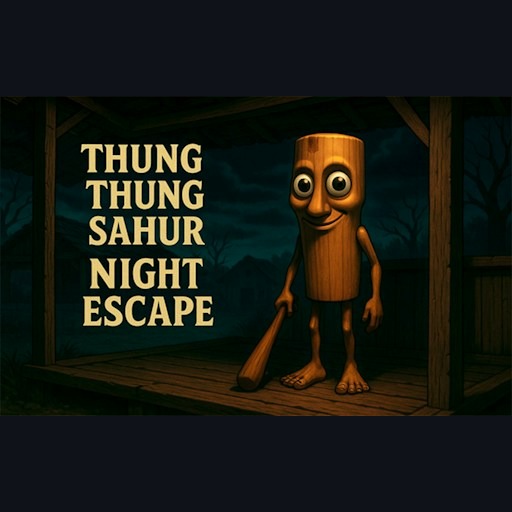
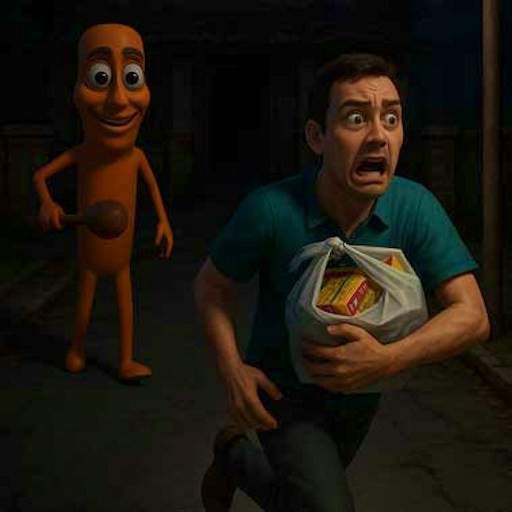
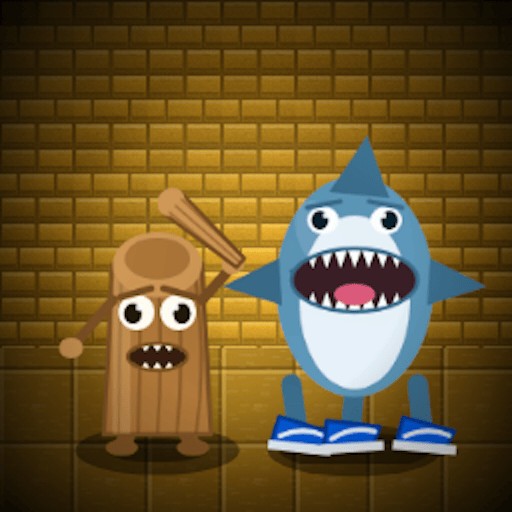
The wooden Tung Tung character becomes the central threat in a confined first-person setting. The game uses a boss encounter rather than the training and strength-building routine of Sahur’s Evolution Boss Battles.
How to Play Tung Tung Sahur Boss Fight
Start the player, then click START GAME on the title screen.
Click inside the scene to focus the game. Use W to move forward and the mouse to adjust your view.
Use a mouse click to attempt a torch throw. Watch the boss-health display to determine whether an attack actually connected.
Keep enough space to see the corridor and your next movement. The publisher describes lighting the torch again when its flame runs out.
Controls
- W: Forward movement checked on desktop.
- Mouse movement: Adjust the first-person view.
- Mouse click: Attempt a torch throw.
- X: The visible prompt offers an optional advertisement for unlimited stamina.
Tips & Tricks
- Focus the game before using movement keys.
- Judge a hit by visible feedback rather than by the throw animation alone.
- Inspect the passage before moving quickly toward the figure ahead.
- If you are sensitive to sound, mute the browser tab before starting; an in-game volume menu has not been confirmed.
Read the corridor before attempting an attack
START GAME leads into a narrow first-person corridor with torches and a boss-health display. Focus the game window, move a short distance forward with W, and inspect the space ahead. The recorded check verified forward movement. It did not establish a safe path through every part of the corridor, so avoid holding forward indefinitely while concentrating only on the health indicator.
Use the mouse to orient the view toward the part of the scene you want to inspect. Position and facing are separate from attacking. If the target is not clearly in view, a click will tell you little about whether an attack should connect. Make a deliberate change in position, look again, and only then test the throw input. This sequence helps distinguish a missed opportunity from an input that was never registered.
Use boss health to distinguish an animation from damage
A torch changing position can show that an action occurred, but it is not proof of a hit. In the documented opening attempt, the boss-health display remained at eight out of eight. That is why this page does not claim damage or a successful boss attack. After your own attempt, compare the display with its value before the click and watch for any other explicit feedback.
If health does not change, several explanations may remain possible: positioning, timing, range, or a rule you have not yet read. The record does not isolate those variables, so the guide should not pretend to know which one applies. Change one part of the attempt at a time and observe again. A claimed guaranteed torch strategy would require a repeatable damage result that is not available here.
Treat optional stamina offers separately
The visible X prompt offers an advertisement for unlimited stamina. The opening scene and forward movement were reached without using that offer. You do not need to select it merely to reproduce the checked startup path. Read an optional reward's current terms before choosing it, and do not confuse the offer with a mandatory control instruction for ordinary movement.
The publisher also describes relighting a torch when its flame runs out. That is reported gameplay information, not a fully verified relighting sequence in this guide. Check the current scene for the relevant prompt before relying on the feature. The official distribution metadata marks the version for desktop, and the recorded inputs used a mouse and keyboard. Neither a narrow webpage nor a visible game window establishes phone compatibility. Complete combat, victory, and persistent progress remain outside the bounded opening check.
Why Play Tung Tung Sahur Boss Fight Here
This entry is for players who want a compact first-person confrontation with a visible boss-health target. It offers a different pace from obstacle courses and clicker training.