About Brr Brr Patapim Brainrot Terror
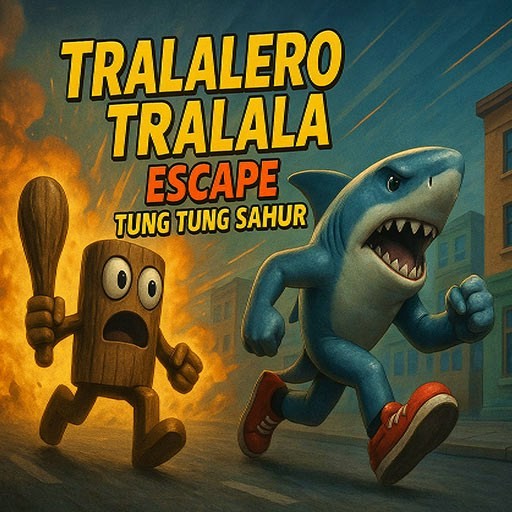
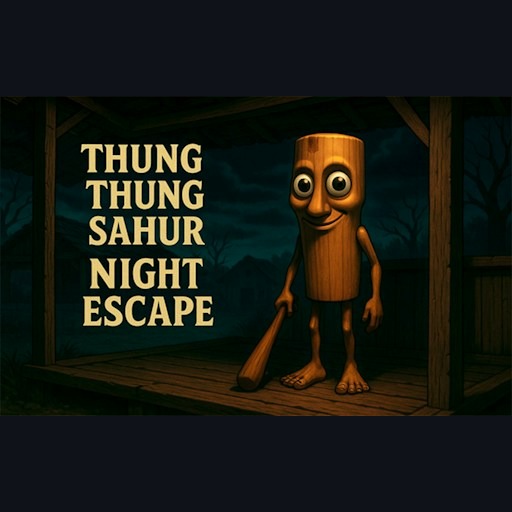
Brr Brr Patapim Brainrot Terror puts a meme character in a dark escape setting. GamePix describes a mansion search for Tung Tung Sahur totems while Brr Brr Patapim threatens the player. The opening menu offers Casual and Intense. In the desktop check, Casual opened a very dim first-person room with about 178 seconds left and a Totem Found 0/10 counter. Holding W changed the view's distance from an object in the room, confirming that the scene responds to forward movement. No totem was collected in that session, and the exit was not reached.
That limited view changes how you should approach the search. The objective is visibly counted, but finding even the first object may take a moment because rooms and corners are hard to read. Let your eyes adjust to the dark scene, then move a little and reassess where you are. Keep track of a recognizable object or doorway so you do not circle back without noticing. The timer encourages haste, but sprinting blindly through similar spaces can waste more time than a brief scan. We have not established a safe route or a map of all ten totems.
The Meme Behind Brr Brr Patapim Brainrot Terror
Patapim and Tung Tung are absurd names, yet the presentation here is clearly horror rather than a gentle character joke. The tension comes from exploring while the clock runs, with a threat described by the provider. Choose a lighter quiz or jigsaw if you dislike dark rooms or surprises. The check did not enter Intense mode, so its scare level and differences from Casual are not described as firsthand observations.
How to Play Brr Brr Patapim Brainrot Terror
Click Play here, use the GamePix Play control, and select Casual to reproduce the opening tested on desktop. The room should appear with the countdown and 0/10 totem display. Click in the frame for keyboard focus and use W to move forward; that movement was visible in the check. Explore carefully, watching the totem count to see whether an interaction succeeds. The provider says to collect totems and avoid Patapim, but the exact collection key and a completed escape were not verified here.
The menu also shows an ad-based offer for unlimited stamina. You do not need to accept that offer to enter the observed Casual scene. It may be a provider option if you choose to use it, not part of this site's basic Play button. This game is listed as desktop-only by GamePix, and its player API reports mobileFriendly=false. Do not expect a workable phone control scheme from this listing.
Controls
- Play in the GamePix frame, then choose Casual for the tested opening.
- Desktop check: holding W moved the first-person view toward a room object.
- A countdown and 0/10 totem counter were visible; pickup controls were not confirmed.
- GamePix lists this browser game for desktop and reports no mobile support.
Tips & Tricks
- Choose Casual first to learn the dark room before considering Intense.
- Watch the countdown and 0/10 counter so you can tell movement from actual progress.
- Use one visible object or doorway as a landmark when turning through a room.
- Skip this game if very dark scenes or sudden scares make play uncomfortable.
Why Play Brr Brr Patapim Brainrot Terror Here
This is for a short, tense search rather than the open-ended exploration of Haunted Brainrot 3D. The ten-totem counter and timed Casual opening were observed; pickups, opponent behavior, Intense mode, and a full escape were not. That boundary matters more here than in a simple picture puzzle because the untested later scene could feel quite different.