About Brainrot Fall Brainrot Adventure Game
Brainrot Fall Brainrot Adventure Game begins with Tung Tung Sahur hanging below a bar that spans a narrow vertical shaft. Large suction-cup ends reach toward the walls, and stars and projecting obstacles sit farther down. The tall view makes the descent the center of attention.
Clicking the scene visibly brings the two ends of the bar closer together. That changes the character's support inside the shaft, so the timing of an input matters. Look below the bar before clicking, then watch how the next part of the route approaches.
The Meme Behind Brainrot Fall Brainrot Adventure Game
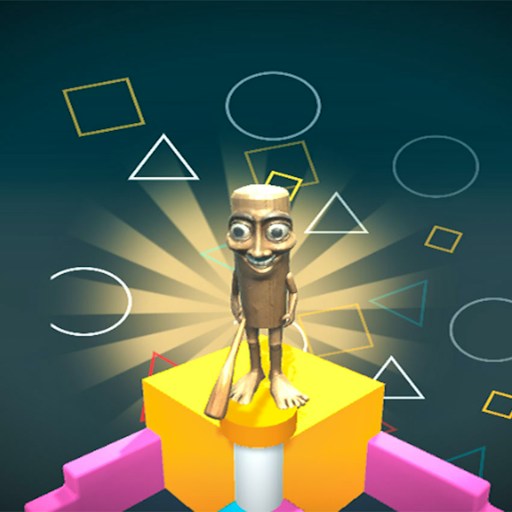
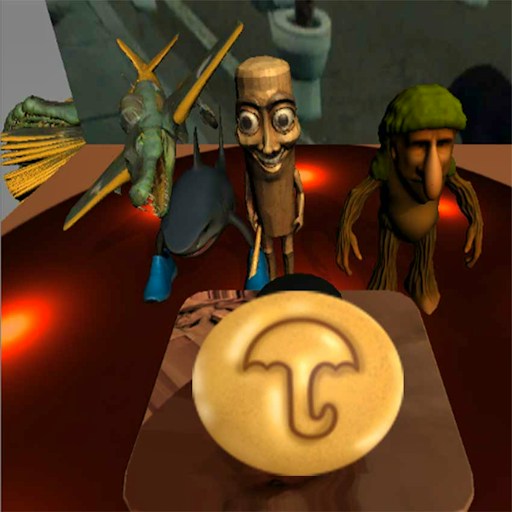
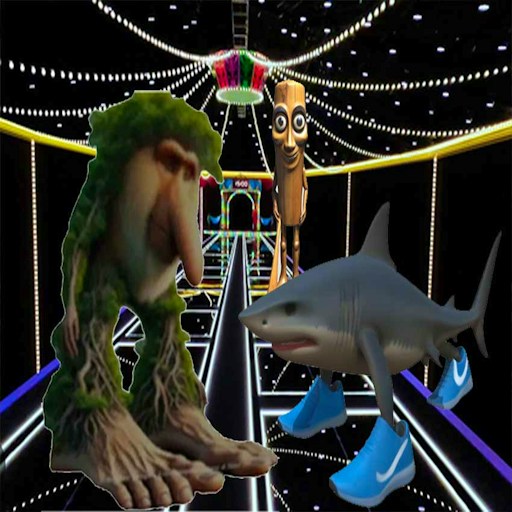
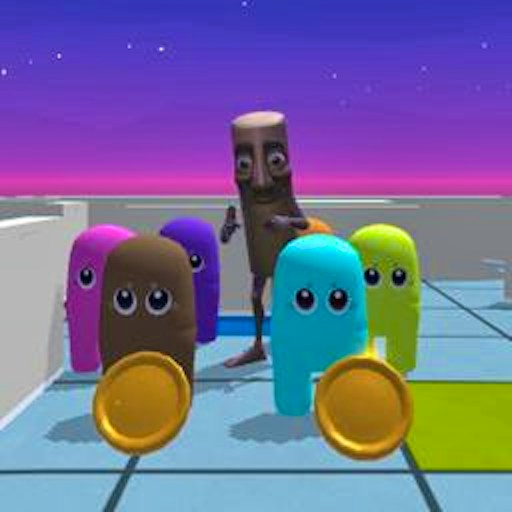
The wooden brainrot character hangs from an oversized contraption while figures in bright uniforms stand near the top. The scale of the bar and the thin passage give the scene its awkward humor. The current playable build is centered on this falling challenge.
How to Play Brainrot Fall Brainrot Adventure Game
Click START GAME on the title screen and wait for the shaft view.
Locate the bar, the nearby wall edges, and the obstacles below. The first scene gives you a view of the route before you experiment.
Click inside the game to shorten the bar. Watch the change in its width and the character position instead of repeatedly clicking without checking the result.
If GAMEOVER appears, select RETRY to return to the opening. Use the next attempt to test a smaller change in timing.
Controls
- START GAME: Open the shaft challenge.
- Mouse click in the scene: Contract the hanging bar.
- RETRY: Restart a failed attempt.
- MAIN MENU: Return from the result screen to the menu.
Tips & Tricks
- Look below the character before changing the bar width.
- Use the wall projections as timing references.
- Watch one input at a time while learning what the bar does.
- Enlarge the player if the narrow portrait scene makes an obstacle hard to judge.
Read the shaft one section at a time
The narrow vertical view encourages you to watch Tung, but the next wall projection is often the more useful reference. Look below the hanging bar before making an input. Identify the available opening and the shape of the walls beside it. That gives the click a purpose: you are changing the bar while a particular piece of the route is approaching, rather than reacting to the character alone.
In the recorded opening interaction, clicking brought the two suction-cup ends closer together. That is the specific observed response. It does not establish a measured contraction duration, a complete descent sequence, or a rule for every obstacle. Use the first few clicks to compare the bar's width before and after the input. Avoid assuming a hold-and-release mechanic if the current version only asks for a click.
Choose a visual cue for each attempt
Pick a nearby wall feature as your reference and click when the character is at a position you can remember relative to it. Afterward, watch the next contact or change in support. On another attempt, adjust the timing slightly while keeping the reference feature the same. This creates a meaningful comparison even without a numerical timer for the movement.
Stars provide additional landmarks, but collecting them and avoiding a collision may be separate objectives. Do not chase a star without considering the shape of the shaft around it. If an input brings Tung toward a dangerous projection, the useful lesson may concern clearance rather than the collectible. The guide does not claim a verified all-star route or a bonus formula; those would require more than the opening behavior check.
Restart without losing the question you were testing
Use RETRY after a failed attempt when you want to compare a new timing choice against the same opening. MAIN MENU is for leaving that attempt and inspecting the game's options. Reloading the whole webpage adds platform loading and possible privacy prompts, so it is rarely the clearest way to study one local movement. No persistent progress behavior has been established for this version.
If you cannot distinguish the bar ends from the wall, enlarge the player before continuing. Then recheck the visual cue you were using because its screen position may have changed. A bigger view can improve your ability to judge space, but it does not change the documented input or prove mobile support. The current evidence is about a mouse click in the opening shaft. Later obstacles, complete levels, and the effect of every star remain outside that limited observation.
Why Play Brainrot Fall Brainrot Adventure Game Here
Try Brainrot Fall for an unusual movement setup: the key object is the bar supporting the character. Its visible contraction gives immediate feedback, while the shaft supplies a clear direction and a sequence of hazards to read.