About Jump for Brainrot
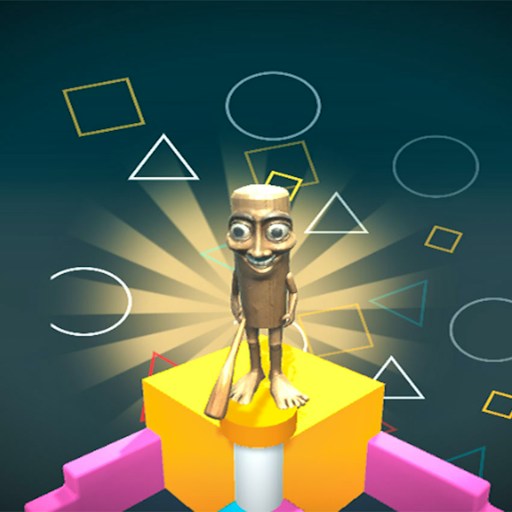
Jump for Brainrot opens in a bright 3D base with a tall orange staircase rising above the grass. The starting area puts movement, height, and a collection of unusual characters in the same space. You can walk around to get your bearings before committing to a climb.
Jump Power, Experience, and a cash total appear on the screen. These displays give the game a progression theme, while the opening movement is straightforward: point yourself toward a useful landmark, move, and jump. Begin with the stairs rather than trying to understand every character price at once.
The Meme Behind Jump for Brainrot
Brainrot characters are part of the scenery and collection theme. Their price labels and the oversized staircase make the starting base feel like a place to explore, with a clear vertical challenge visible from the ground.
How to Play Jump for Brainrot
Start the player and let the 3D scene finish loading. If a Click anywhere to continue message appears, click inside the game to give it keyboard focus.
Use WASD to move around the starting area. Approach the orange staircase at a comfortable angle, leaving enough room to see the next surface.
Press Space to jump. Watch your landing before moving farther up; small position adjustments are easier to judge than a long run with repeated jumps.
Controls
- WASD: Move around the base.
- Space: Jump.
- Mouse click inside the scene: Resume when the game requests focus.
Tips & Tricks
- Use the staircase as a landmark while learning the camera view.
- Test one jump from a clear patch of ground before climbing.
- Read the visible power and experience values as you explore rather than assuming every jump changes them.
- Expand the player to make the next landing surface easier to see.
Use the staircase to establish direction
The orange staircase is an easy landmark in the opening base. Before climbing, face it from an uncluttered patch of ground and make a short forward movement. Stop, inspect where the character ended up, and try a single jump. The recorded desktop check observed forward movement and a visible lift with Space after the game resumed focus. That gives you a concrete starting interaction without assuming anything about later heights, rewards, or upgrades.
Separate movement from jumping during the first few inputs. Holding several keys while pressing Space can make an unexpected result difficult to explain. A short forward step followed by a jump lets you see two responses distinctly. Once those actions feel predictable, combine them near the first accessible surface. The staircase provides a reference for height, but this guide does not promise that every visible step can be reached with the opening character state.
Read the progression displays without guessing their rules
Jump Power, Experience, and cash look like linked systems, but a row of numbers is not enough to establish the formula connecting them. Observe a value before an action and again afterward. If it changes, repeat the same action from a comparable position before concluding that every jump earns a fixed reward. Time passing or another background process could also affect a total. The existing movement check did not verify collection, upgrades, saving, or the meaning of every displayed price.
This matters when deciding whether to explore or spend. A high price beside a character can invite a purchase, yet the visible menu alone does not explain what that purchase would change. Read the current game prompt first. You can learn the base layout and practice movement without pretending that an untested upgrade is required for the first staircase. Keep the game's currency separate from any real-money or advertisement offer that might appear.
Recover focus before restarting
The game may display Click anywhere to continue after losing focus. Respond to that prompt before diagnosing the movement keys as broken. Once the scene is active, make one short movement and look for a change relative to the staircase. If the browser scrolls instead, the game may still lack keyboard focus. Expand can make the scene easier to read, but it does not provide keyboard input to a phone. The current record supports a desktop keyboard attempt and does not establish physical-phone controls or persistent progress.
When judging a jump, keep the landing area in view as well as the character. A successful takeoff is only half of the movement. After a missed landing, notice whether the problem was the starting position, the timing or the direction of travel. Choose one of those to reconsider before repeating the section, rather than treating every miss as a reason to press faster.
Why Play Jump for Brainrot Here
Choose this game for a 3D movement session with room to explore. Its opening gives you a visible climb and simple keyboard movement, so you can start practicing jumps before investigating the collection systems.